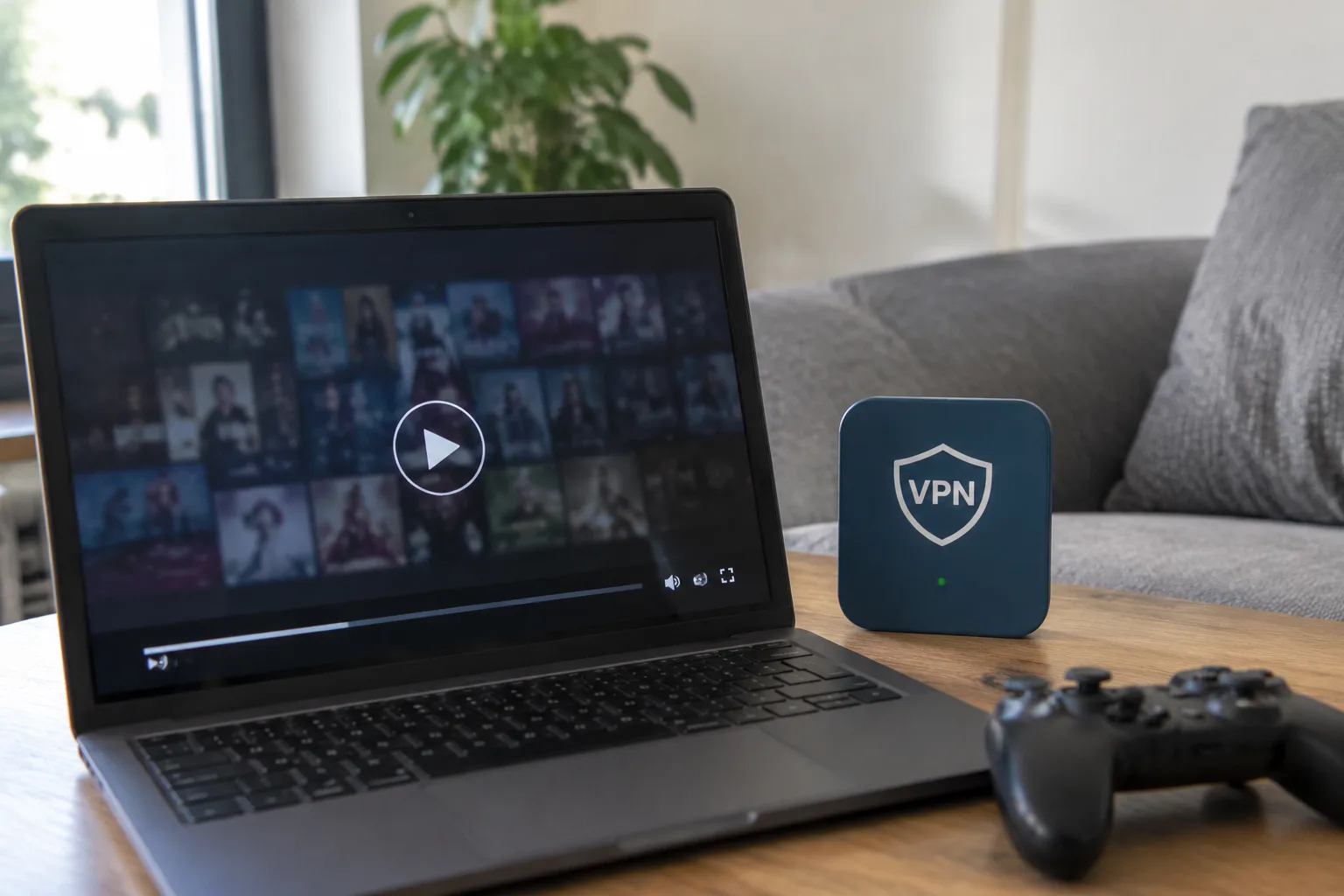
A VPN routes traffic through an encrypted tunnel to a server somewhere else on the map. Streaming and gaming both depend on tight timing: a video player needs a steady stream of packets, and a game needs those packets to arrive with as little delay as possible. Put a detour in the middle of that path and something has to give. The useful question is not whether a VPN slows things down, because it usually does. The useful question is by how much, and whether the specific setup makes the penalty irrelevant or unbearable.
The honest answer sits in two numbers: throughput and latency. A VPN can cut raw download speed by anywhere from a few percent to more than half, and it can add tens of milliseconds to every round trip. Those two numbers behave differently under load, and they matter differently depending on whether the traffic is a 4K stream or a competitive shooter.
Where the Speed Actually Goes
Encryption is the first cost. Every packet gets wrapped, which burns CPU cycles on both the client device and the server. Modern ciphers are cheap enough that a mid-range laptop barely notices, but a cheap router running an OpenVPN client can become the bottleneck all by itself, especially at high bitrates.
The second cost is distance. A server in another country adds physical travel time to every packet. A person streaming from a city two hours away through a local server sees almost no change. The same person tunneling through a server on another continent can watch buffering bars appear on a connection that otherwise handles 4K without complaint.
The third cost is the protocol. WireGuard and the newer lightweight protocols tend to be noticeably faster than older OpenVPN setups, particularly on hardware with limited processing power. A phone on a fast Wi-Fi network will often feel the difference between the two within a single speed test.
Streaming Tolerates a Slower Pipe Better Than People Expect
Video is forgiving in a way that games are not. A streaming service buffers several seconds ahead, and it can drop resolution on the fly. A connection that loses 30 percent of its raw speed to a VPN often still delivers a clean 1080p picture, because the bitrate for that stream sits well below the degraded ceiling.
The trouble starts at the top end. 4K HDR streams demand a sustained bitrate that leaves less headroom, and a VPN that halves the available bandwidth can push a marginal connection over the edge. The result is not a broken stream but a softer one: the player quietly steps down to 1440p or 1080p, and the viewer may not notice until a dark scene turns blocky.
There is a practical counterpoint. Many people use a VPN for streaming precisely to reach a catalog that is geo-blocked at home, and in that case the slowdown is the price of access. A slightly softer picture is a fair trade for a library that would otherwise be unavailable. The penalty is real, but it is not the whole story.
Gaming Cares About Milliseconds, Not Megabytes
A game does not need much bandwidth. The packets carrying player positions and inputs are tiny. What a game needs is consistency: low latency, low jitter, and no packet loss. A VPN can hurt all three, and the damage shows up as rubber-banding, delayed hit registration, and the strange feeling that actions land a beat late.
The distance penalty dominates here. Routing a match through a server several hundred miles out of the way can add 20 to 60 milliseconds of round-trip time, which is enough to turn a comfortable duel into a losing one. For a single-player game or a casual co-op session, that overhead disappears into the background. For a competitive shooter, it can be the difference between a clean flick and a miss.
There are exceptions worth naming. Some players use a VPN to escape a congested route or a throttling ISP, and in those cases the tunnel can actually improve stability even while adding a little raw latency. The improvement comes from avoiding a bad path, not from the encryption itself. That distinction matters when judging whether a VPN is helping or hurting.
The Server Choice Does Most of the Work
Two people on identical connections can have opposite experiences with the same VPN, because the server they pick changes everything. A nearby server with spare capacity keeps the detour short. A distant or overloaded server turns a fast line into a sluggish one.
Good providers expose this clearly: server load indicators, latency readouts, and recommended locations. A user who picks the closest server, tests a speed run before committing, and switches when the numbers look bad will usually keep most of the original performance. A user who leaves the client on auto-connect to a faraway default server will blame the VPN for a slowdown that a single click could fix.
There is also a hardware ceiling that gets overlooked. A router with a weak CPU running the tunnel for every device in a household can choke on a busy evening, and the symptom looks exactly like an ISP problem. Moving the VPN client onto a stronger device, or upgrading the router, often recovers the lost speed without changing providers at all.
Split Tunneling Changes the Equation Entirely
Most capable VPN clients let a user choose which apps go through the tunnel and which go around it. This feature, split tunneling, is the single most useful tool for anyone who wants privacy on a browser without wrecking a game session.
The setup is straightforward in principle: route the browser and any sensitive work traffic through the VPN, and let the game client and the streaming app connect directly. The game keeps its low latency, the stream keeps its full bitrate, and the parts of the day that need privacy still get it. The catch is that split tunneling is fiddly to configure and not every client supports it well, so it rewards a little patience.
For people who cannot or will not configure it, a simpler habit works nearly as well: turn the VPN on for browsing and off for play. It sounds obvious, and it is, but a surprising number of complaints about slow streaming trace back to a tunnel that was left running out of forgetfulness rather than need.
Protocol and Hardware Decide the Size of the Tax
The protocol choice quietly sets the performance ceiling. WireGuard, now widely adopted, tends to deliver close to line speed on modern hardware. OpenVPN, still common on older clients and routers, is heavier and slower, and its overhead is most visible on high-bandwidth streams. A provider that supports both lets a user compare and keep the faster one.
Hardware matters just as much. A laptop with a recent processor can encrypt a gigabit stream without breaking a sweat. A budget router from several years ago cannot, and it will pass along a fraction of the connection it was given. The VPN is not slow in that case; the device running it is.
When the Slowdown Is the Point
Some slowdowns are deliberate and worth accepting. A person on a public hotel network who tunnels everything through a VPN is trading a little speed for a lot of safety, and that trade is usually correct. A traveler reaching a home streaming catalog is paying in bitrate for access. A gamer escaping an ISP that throttles game traffic may find the tunnel faster than the open connection.
The mistake is treating the VPN as a universal upgrade. It is a detour with a purpose, and like any detour it costs time. Used with a nearby server, a modern protocol, and split tunneling where it matters, the cost stays small enough to forget. Left on auto-connect to a distant server on aging hardware, it becomes the reason a fast connection feels slow, and the fix is usually a settings change rather than a new subscription.


