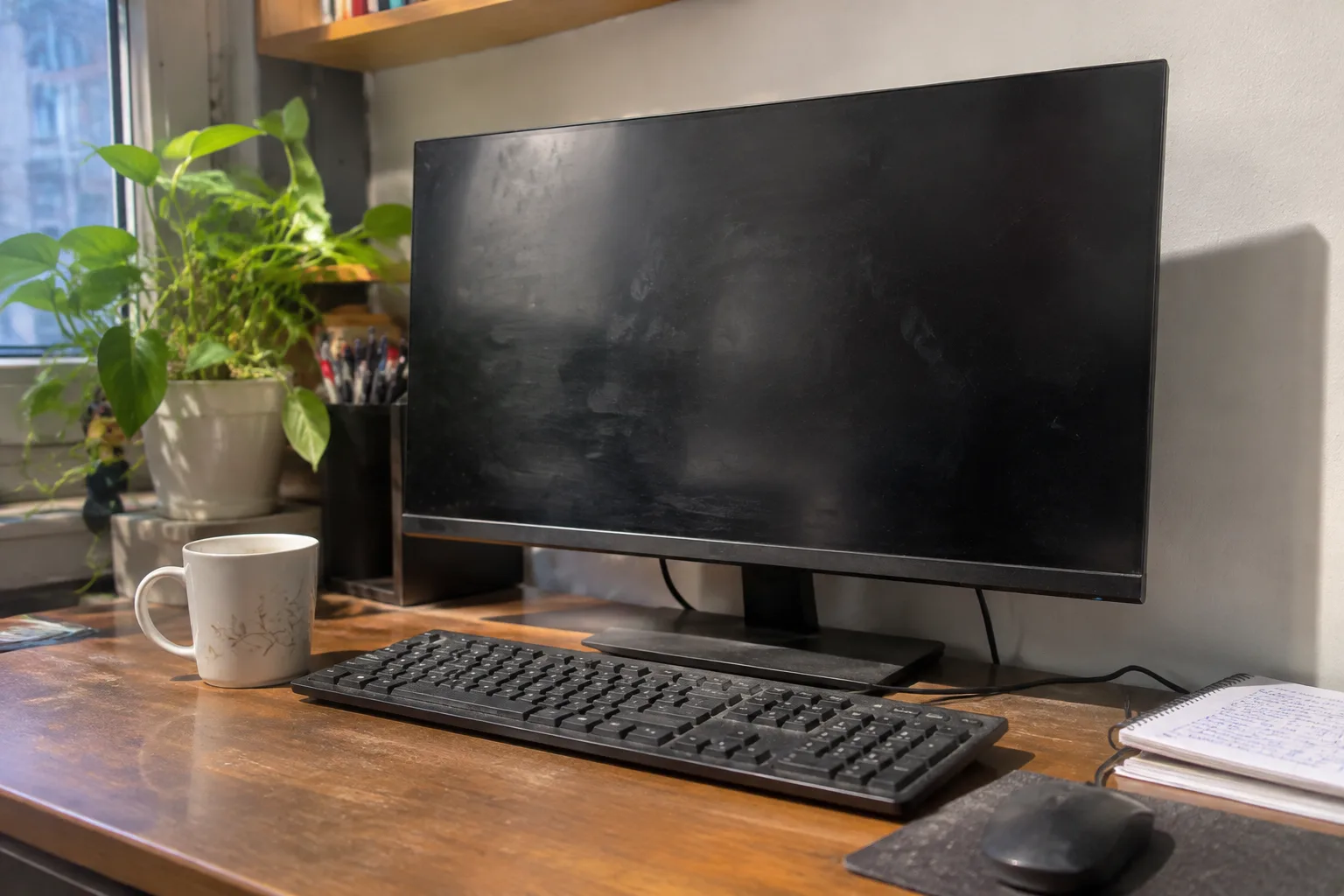
Spending $150 on a home monitor is a reasonable floor for anyone who stares at text for a living. Spending $1,500 is a reasonable ceiling for someone editing color-graded video at a desk with blackout curtains. The gap between those two numbers is where most people get lost, because the monitor market sells a dozen features that sound important and only three or four that change how a screen actually feels at 9 p.m. on a Tuesday.
The honest answer depends on what the screen is for. A monitor bought for spreadsheets, email, and a streaming queue lives a different life than one bought for photo retouching or competitive gaming. The price that makes sense follows the work, and the work is usually narrower than the marketing suggests.
The baseline that most homes actually need
A 24-inch to 27-inch panel at 1080p or 1440p, IPS, 60 to 75 Hz refresh, around 250 to 300 nits of brightness, sells in the $120 to $250 range and covers the vast majority of home use. Documents stay crisp at 1440p, video looks fine, and the panel lasts years. The spec sheet looks unglamorous. The experience does not feel cheap.
Resolution earns its money before anything else. A 27-inch 1080p screen shows visible pixel grid on text, and after eight hours of reading the eye notices. Moving to 1440p at the same size is the single upgrade most people feel immediately. The jump costs roughly $80 to $120 more, which buys back sharper letterforms and less squinting.
Panel type matters next. IPS gives consistent color from an angle, which helps when two people watch from a couch or someone leans over to point at a chart. VA panels offer deeper blacks and cheaper prices but smear on fast motion and shift color off-center. TN panels are the cheapest and the worst for anything but a competitive shooter, where response time beats viewing angles.
Where the extra money starts doing real work
Above $300, the returns split into distinct lanes. A person editing photos wants wide color coverage, meaning a panel that reaches most of the sRGB gamut and ideally some of Adobe RGB or DCI-P3, plus factory calibration so the whites are actually white. A gamer wants high refresh, low response time, and adaptive sync. Someone who reads all day wants sharp text and a height-adjustable stand. These are different purchases wearing the same product category.
Color accuracy is the most oversold feature for general use. A monitor claiming 95 percent DCI-P3 matters to someone grading footage. For a person watching YouTube and writing reports, a well-tuned sRGB panel at $200 looks identical to a $600 wide-gamut model on the same content. The extra gamut only shows up when the source material uses it.
Refresh rate is the feature people underestimate before buying and cannot unsee after. Moving from 60 Hz to 120 Hz or 144 Hz makes scrolling feel liquid and cursor movement smoother. It costs $100 to $200 more at the same resolution and size. For anyone who spends hours scrolling documents or code, that money buys a noticeably calmer desktop.
The stand is half the purchase
A monitor with a flimsy stand that only tilts will cost a neck. The panel might be excellent and the setup miserable, because the screen sits too low or too close and the user hunches forward by the second hour. Height adjustment, tilt, and swivel are worth paying for. Many budget panels skimp here to hit a price, and the fix is either a $30 to $80 monitor arm or choosing a model with a proper stand.
VESA mounting holes are the quiet insurance policy. A monitor with a 100 x 100 mm pattern can move to an arm later, which frees desk space and lets the screen float at eye level. A panel without VESA holes locks the owner into whatever stand came in the box.
What 4K changes, and what it does not
4K at 27 inches produces very sharp text and is genuinely pleasant for reading and coding. It also demands more graphics horsepower and, on some operating systems, scaling that makes older apps look soft. A 4K panel runs $300 to $500 for a decent one. The upgrade is real, but the value depends on whether the machine driving it can push the pixels without stutter.
At 32 inches, 4K starts to make more sense because the pixel density stays comfortable without aggressive scaling. Below 27 inches, 1440p is usually the smarter spend. Above 32 inches, 4K becomes the default expectation. Size and resolution travel together, and buying one without considering the other leads to regret.
The used and refurbished question
Refurbished business monitors from the major manufacturers sell for 40 to 60 percent off and often carry a warranty. These panels were built for offices, run at modest brightness, and get retired on a schedule rather than because they failed. A $400 panel bought refurbished for $180 delivers most of the experience for less than half the money. The catch is cosmetic wear and older ports, which rarely matter for home use.
Buying used from a marketplace is riskier. Dead pixels, backlight bleed, and failing power supplies show up in person, and a return policy is worth more than a discount. The refurbished channel from a manufacturer with a real warranty is the safer version of this strategy.
The desk setup that quietly raises the budget
Lighting changes the math. A screen facing a bright window washes out unless brightness climbs, and a panel that tops out at 250 nits struggles in a sunlit room. A monitor at 350 to 400 nits handles daylight better and costs a bit more. The reverse is also true: a dark room makes an inexpensive panel look better than it is.
Desk depth matters as much as the screen. A 32-inch panel on a shallow desk sits too close, and the eyes track across a wide field all day. A 27-inch screen at arm's length is comfortable for most people. The room and the furniture set the practical ceiling on size, and the budget should follow that constraint rather than fight it.
A working set of price bands
Under $150 buys a functional 24-inch 1080p panel for basic tasks and a second screen. It is fine and nothing more.
The $150 to $300 band is the sweet spot for most homes: 27-inch 1440p IPS, decent stand, 75 Hz or better. This is where the money buys the most comfort per dollar.
The $300 to $600 band adds 4K, high refresh, wide color, or a better stand, depending on which lane the buyer is in. Pick one lane and spend there rather than chasing all four.
Above $600, the buyer is paying for professional color, extreme refresh, or very large panels. The returns are real but narrow, and only specific work justifies them.
The number that ends the debate
The monitor is the part of the computer a person looks at for every hour of use, and the part most likely to be chosen last. A machine costing $1,200 paired with a $120 panel wastes the machine. A $200 panel on a $600 machine feels balanced. The screen should claim roughly 15 to 25 percent of the total desk budget, and the person who spends at the top of that range on a 27-inch 1440p IPS panel with a height-adjustable stand will not think about the purchase again for five years.
The money that buys regret is spent on features the work never touches. The money that buys satisfaction goes to resolution, a stand that reaches eye level, and enough brightness for the room. Everything else is a spec sheet arguing with itself.