Microsoft Defender, the antivirus engine baked into Windows, has quietly become one of the better security products most people will ever run. That sentence would have been laughable in 2012, when the built-in tool was a punchline among IT staff. It is close to consensus now among independent testing labs, and it has scrambled the old advice about buying a separate antivirus suite the moment a new PC comes home.
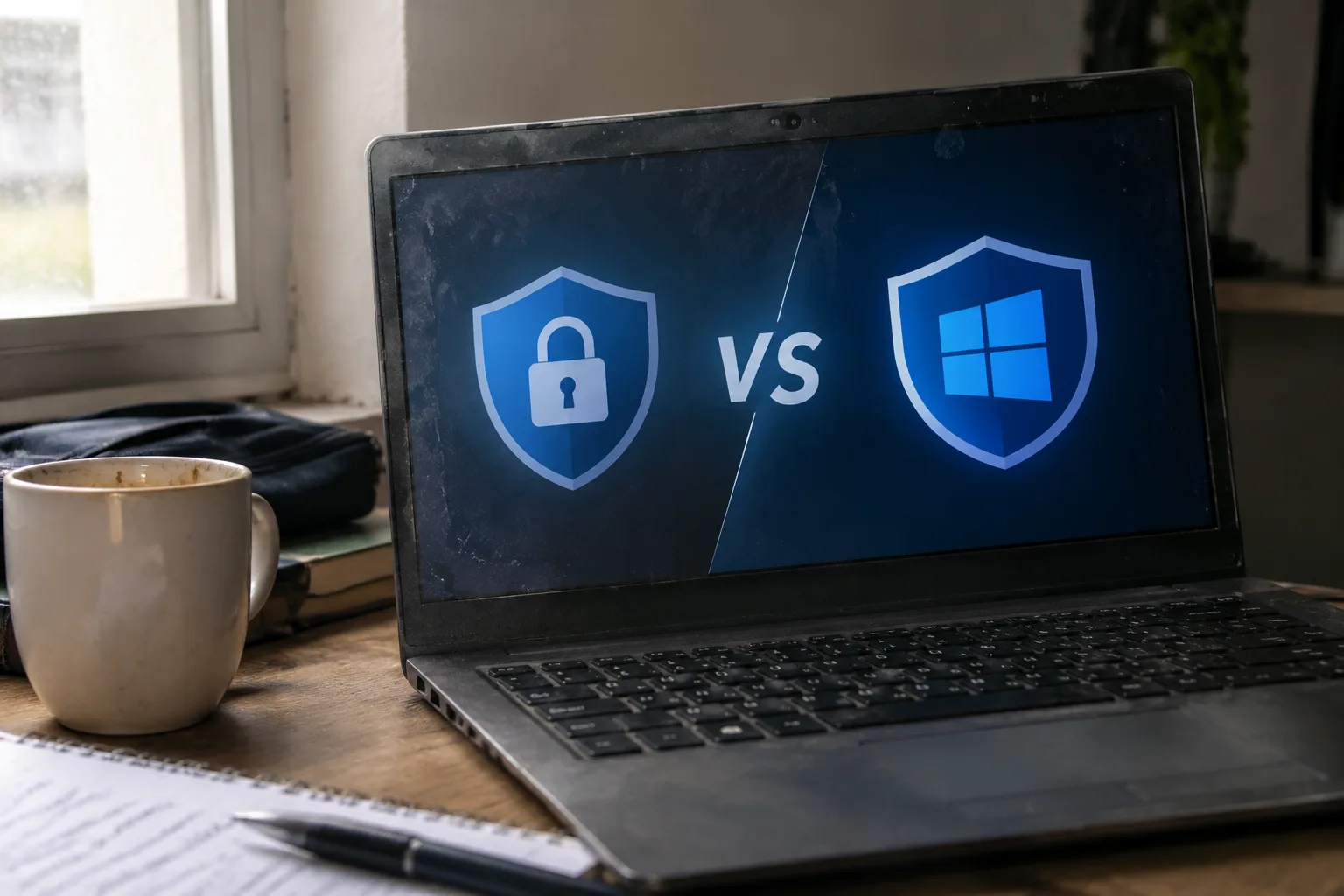
The question in the title, though, hides a trap. "Antivirus versus Windows Security" frames it as a fight between two similar things. One is a category of software that has been sold for three decades. The other is the portion of the operating system that watches for malicious files. They overlap, they diverge, and the right answer depends on facts about a person's machine and habits that no single recommendation can cover.
What Windows Security actually ships with
Every current Windows install includes Microsoft Defender Antivirus inside a dashboard called Windows Security. That dashboard also holds firewall controls, a reputation-based browser filter, ransomware protection that restricts changes to chosen folders, and a device health report. The antivirus component runs by default and updates itself through Windows Update several times a day.
The engine has a decent track record in the public tests that matter. AV-TEST, a German lab that publishes monthly results, has placed Defender in its top protection tier for business and home users for years running, with occasional dips in performance scores rather than detection. AV-Comparatives, an Austrian lab, has handed it high marks in real-world protection tests. The days when free meant compromised are largely gone.
What Microsoft does not ship is everything else a commercial suite bundles: a password manager, a VPN with a monthly data cap, parental controls, identity monitoring, a file shredder, a driver updater, and a "tune-up" utility that promises to speed up a slow machine. Some of these are useful. Several are filler. The tune-up tools, in particular, tend to do what a manual cleanup would do, with a subscription attached.
The bundling problem behind the antivirus shelf
The security suites sold at retail and pushed through pop-ups are not really antivirus products anymore. They are subscription bundles with an antivirus engine at the center, and the business model depends on renewal. A three-device, one-year license often costs somewhere between forty and a hundred dollars, and the renewal price is routinely higher than the introductory one. That renewal pricing is where the economics live.
This matters because the antivirus engine itself has become a commodity. The major vendors license components from the same handful of threat intelligence feeds. Detection rates cluster tightly in independent tests. A product that scores 99.7 percent and one that scores 99.5 percent are, in practical terms, the same product for a home user who is not being specifically targeted.
So the real comparison is not Defender versus Norton or Defender versus Bitdefender. It is a free, well-integrated baseline versus a paid bundle whose extra features range from genuinely helpful to decorative. Judged that way, the default answer flips: most households already have enough antivirus and are paying for things they do not use.
Where the built-in protection falls short
Defender has real gaps, and they are worth naming. Its phishing protection lives in the Edge browser and in a system-wide filter that catches known bad sites. A person who uses Chrome or Firefox gets less of that coverage unless the browser's own protections pick up the slack. The SmartScreen reputation filter is good at blocking brand-new malicious downloads, but it is tuned to protect the many, which means a determined attacker can sometimes slip past it.
The bigger gap is in the settings. Windows Security will happily let a user turn off real-time protection, and a surprising number of people do so while troubleshooting a slow game or a blocked installer and then forget to turn it back on. There is no nudge, no nag screen, no automatic re-enable after a set period. A commercial suite tends to be more insistent about its own status.
Defender also has no meaningful answer to a compromised router, a reused password, or a family member who clicks a fake delivery notice. Those are the failure modes that actually get people into trouble, and none of them are virus problems in the classic sense.
The cases where a paid suite earns its price
There are households where a commercial suite is the better call, and the reasons are concrete. A parent who wants to filter what a child sees and cap screen time will find Defender useless for the job. A person who manages devices for an elderly relative and needs remote assistance and a simple status dashboard will get more from a suite than from Windows Settings.
Someone who runs a small business from a home office and handles client financial data has a different risk profile. The compliance paperwork around a paid security product, the support line, and the ability to prove a layered defense can be worth more than the software itself. A person who has been the victim of identity theft and wants credit monitoring rolled into one bill has a legitimate reason to subscribe.
The pattern is consistent: the paid suite wins when the buyer needs the surrounding services, not the scanner. Buying a suite for the antivirus engine alone has become a poor trade.
The case against installing a second antivirus
Running two real-time antivirus engines on the same machine is a bad idea, and it remains one of the most common mistakes made by people who assume more protection is better. The engines fight over file access, each scanning what the other has just scanned, and the machine slows to a crawl. False positives multiply because one engine quarantines a file the other considers clean. Windows sometimes disables Defender automatically when it detects another registered antivirus, which is a courtesy, but it does not always happen cleanly.
The practical rule follows from that: pick one real-time engine. Either leave Defender on and skip the commercial suite, or install a suite and let it take over. Adding a second opinion as an on-demand scanner, run manually once a month, is harmless. Leaving two guards on the door is not.
A layered approach that costs nothing
The strongest argument for sticking with the built-in tool is that it frees attention and money for the layers that catch what antivirus misses. Multi-factor authentication on the email account and the bank is worth more than any scanner. A password manager removes the reused-password problem in one move. A backup that lives on a drive disconnected from the machine defeats ransomware outright, because the attacker cannot encrypt what is not plugged in.
Browser hygiene does the rest. Keeping Chrome, Firefox, or Edge current, refusing to install extensions from unknown publishers, and treating any unexpected download as hostile covers the majority of real-world infection routes. None of these require a subscription, and together they address the attacks that a signature-based scanner will always be a step behind on.
Checking whether Defender is actually running
Plenty of machines have a dormant Defender and an owner who assumes it is active. The check takes a minute: open Windows Security from the Start menu, look at Virus and threat protection, and confirm that real-time protection shows as on. If a third-party suite was ever installed and later removed, the leftover registration can leave Defender switched off without any visible warning.
Two other settings deserve a look. Controlled folder access, found under Ransomware protection, blocks unauthorized apps from changing files in chosen directories, and it is off by default on many systems. Turning it on costs nothing and stops a class of attack that traditional scanning handles poorly. The other is the periodic scan schedule, which is worth setting to a weekly quick scan so a missed threat has a second chance at being caught.
What the renewal notice in the inbox really signals
When the annual renewal email arrives with a price higher than last year's, the decision point is concrete. If the suite's extras went unused for twelve months, the renewal is paying for a scanner that duplicates a free one. Cancelling and letting Defender take over is a reasonable move, provided the old suite is fully uninstalled first and the machine is restarted so the built-in engine re-registers.
If a feature was used, keep paying for that feature and name it honestly: the parental controls, the support line, the identity monitoring. The subscription then has a reason to exist beyond the antivirus engine, which was never the part worth the money. The question stops being which antivirus to buy and becomes which service is actually being used, and that is a far easier one to answer at the kitchen table with a renewal notice in hand.