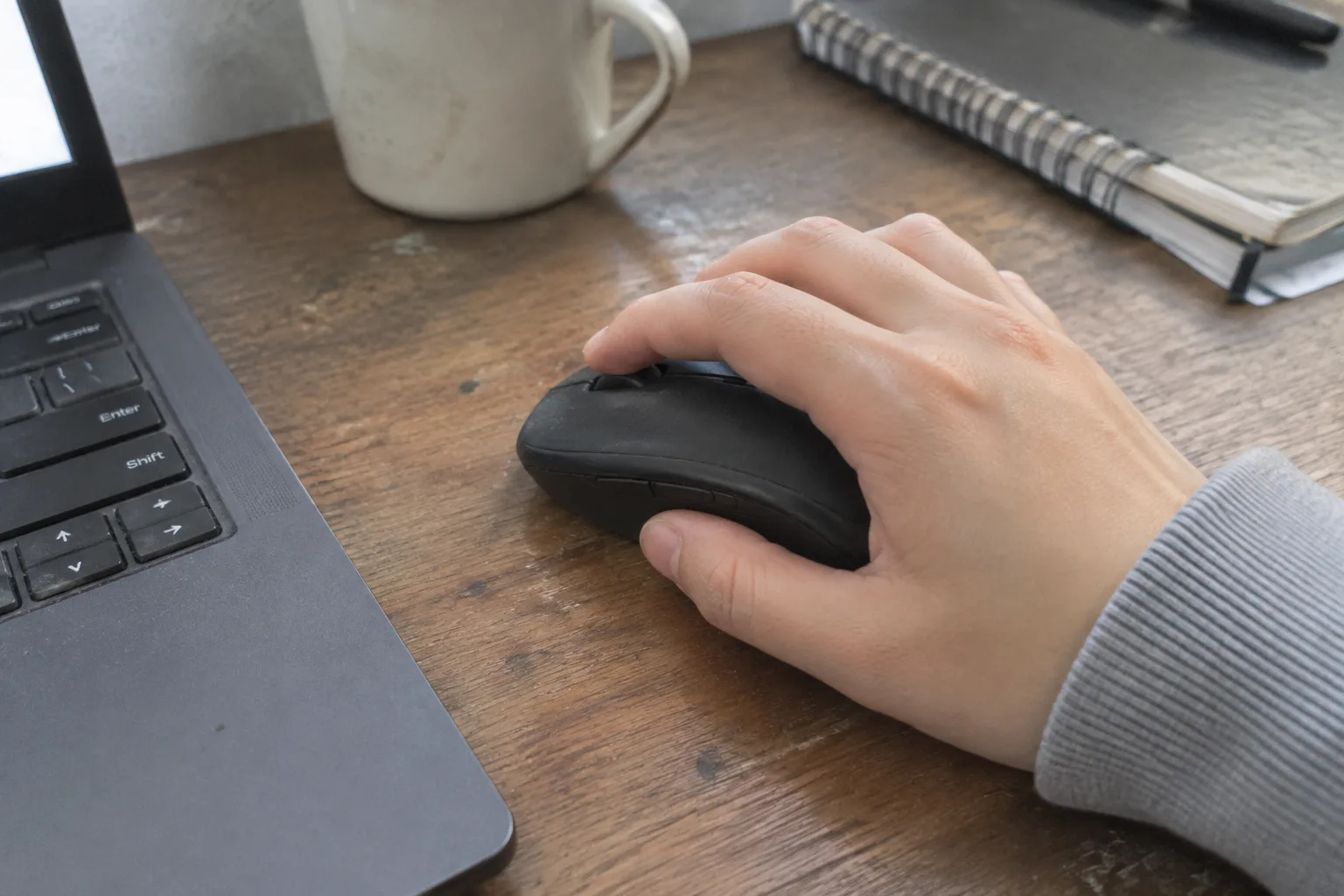
A mouse that fits a large hand can be a genuine obstacle for a small one. The fingers cannot reach the side buttons without shifting the palm. The thumb stretches to the forward key and lands on the back key instead. Tracking a cursor across a 27-inch monitor turns into a series of small corrective regrips, and after two hours of spreadsheet work the wrist has developed a low, persistent ache that has nothing to do with posture and everything to do with the object under the hand.
Small-handed users are poorly served by the peripheral market. Most gaming and productivity mice are designed around a palm length of roughly 18 to 19 centimeters, and many flagship models have crept past 125 millimeters in body length. A hand measuring 16 to 17 centimeters from wrist crease to middle fingertip is not unusual, particularly among women and younger users, yet the shelf of options sized for it remains thin. Picking well requires knowing which measurements actually matter, which design features compensate for a short reach, and where the marketing language misleads.
Measure the hand before reading a single spec sheet
The number that governs mouse fit is palm length: the distance from the crease where the wrist meets the palm to the tip of the middle finger. A ruler against the open hand, fingers together, gives a figure in about ten seconds. Width across the knuckles matters too, because a narrow mouse forces the ring and pinky fingers into a cramped stack, but length sets the outer boundary of what will work.
Two other dimensions deserve a note. Grip style changes the calculus: a palm gripper needs a mouse long enough to support the whole hand, while a claw or fingertip gripper can use a shorter body because the fingers arch and the palm floats. And thumb length determines whether side buttons are reachable at all. A person with a 16.5-centimeter palm and a short thumb will struggle with buttons placed far forward on a long flank, no matter how ergonomic the curve looks in photographs.
Write the three numbers down. Palm length, hand width, thumb length. They will do more work than any review score.
The 110 to 118 millimeter sweet spot
For a palm length in the 16 to 17 centimeter range, most users land comfortably on a mouse body between 110 and 118 millimeters long. Below 105 millimeters, the heel of the hand tends to drag on the desk during palm grip, and the mouse feels like a bar of soap. Above 120 millimeters, the fingertips start reaching for real estate that is not there, and the wrist angles outward to compensate.
Width is the quieter constraint. A mouse between 55 and 62 millimeters wide suits most small hands, but the shape of that width matters more than the figure. A body that flares at the rear gives the palm something to rest against without pushing the thumb out of position. A body that is widest at the middle forces the fingers apart.
Height is where manufacturers hide problems. A tall hump, 40 millimeters or more at the peak, fills the palm and can feel secure in a showroom. For a small hand, that same hump often prevents the fingers from curling around the front edge, so the grip becomes a precarious pinch. A lower profile, 35 to 38 millimeters, leaves room for the fingers to do their work.
Why "compact" on the box rarely means compact in the hand
Peripheral marketing uses "compact" to mean lighter, or wireless, or stripped of RGB, not necessarily smaller. A mouse advertised as a compact gaming model can still measure 120 millimeters long. The reliable move is to ignore the adjective and find the dimensional drawing, which most manufacturers publish in the support section rather than the product page.
Reviews help, but only when they include a hand measurement alongside the verdict. A reviewer with an 18.5-centimeter palm calling a mouse "perfect for small hands" is describing a different hand entirely. Photographs with a ruler or a coin for scale are worth more than paragraphs of praise.
One more trap: the travel mouse. These are small by necessity, often 90 to 95 millimeters, and they are genuinely too small for daily work. A hand that fits a travel mouse for a twenty-minute train ride will cramp after a full afternoon. Small enough is a floor, not a target.
Symmetrical shapes forgive a short reach
Ergonomic right-handed mice, with their sculpted thumb rests and pronounced palm swell, are designed around an average-to-large hand. Scaled down, the thumb rest often ends up in the wrong place, pushing the thumb forward into the side buttons or forcing the wrist into ulnar deviation. The curve that cradles a large palm can trap a small one.
Symmetrical, low-profile shapes tend to be more forgiving. Without a dedicated thumb shelf, the hand can sit wherever it is comfortable, and the side buttons, usually placed closer to the rear, fall naturally under a shorter thumb. This is why so many small-handed users end up on ambidextrous models originally bought for gaming.
There is a tradeoff. A symmetrical mouse offers less support for long palm-grip sessions, and the lack of a thumb rest can leave the thumb hovering. For mixed grip users who shift between claw and palm across the day, the flexibility usually wins.
Button placement decides whether the thumb works or strains
Side buttons are the most common source of small-hand frustration. On a long mouse, the forward button sits far enough ahead that reaching it requires the thumb to extend and the wrist to rotate. The result is a micro-strain repeated hundreds of times a day, and it accumulates.
The fix is to check where the buttons sit relative to the grip. On a well-proportioned mouse for a small hand, the rear button should rest under the thumb joint with no reach at all, and the forward button should be a short roll away, perhaps 8 to 10 millimeters ahead. Buttons placed in a vertical stack rather than a horizontal row also help, because the thumb moves up rather than forward.
Scroll wheel height is the other overlooked dimension. A wheel set high on the body requires the index finger to lift and stretch. A wheel recessed into a lower body keeps the finger relaxed. Small hands do better with wheels that sit closer to the front edge and lower on the profile.
Weight matters less than balance, but both matter
A light mouse is easier to move, and for a small hand the benefit is real: less mass means less force needed to start and stop the cursor, which reduces the forearm effort over a long day. Anything under 80 grams feels nimble without feeling flimsy, and the current crop of sub-60-gram models is genuinely usable rather than toy-like.
Balance is the underrated factor. A mouse with a heavy battery at the rear drags when lifted, and small hands lift more often because the mouse has less surface to push against. A center-balanced body, or one with a user-swappable battery moved forward, tracks more predictably during the small repositioning lifts that happen constantly in design and spreadsheet work.
Weight distribution also affects grip pressure. A rear-heavy mouse encourages the palm to press down to keep the front from lifting, and that pressure travels up the forearm. A neutral balance lets the hand rest rather than clamp.
Where the fingers actually land on a good fit
The test of a well-sized mouse is not how it looks on the desk but where the contact points fall. On a correct fit, the index and middle fingers rest on the primary buttons with a slight natural curve, not flattened. The palm contacts the rear hump lightly. The thumb sits along the flank with the side buttons directly under the joint, not ahead of it. The ring and pinky fingers drape along the right edge without being pinched or splayed.
If any of those contact points requires a stretch, the mouse is too large, regardless of what the spec sheet claims. A quick way to check: place the hand on the mouse, close the eyes, and click both primary buttons. If the fingers have to move before the click lands, the front edge is too far forward.
Buy from a retailer that accepts returns, then use the return window
Fit cannot be settled by measurement alone. The shape of the hand, the length of individual fingers, the way the wrist sits at the desk: all of it interacts with the mouse in ways no spec sheet captures. The practical approach is to buy two or three candidates from a retailer with a no-questions return policy, use each for a full workday, and send back the ones that cause any ache.
A single afternoon is not enough. Strain from a poorly fitted mouse shows up on the second or third day, often as a dull soreness at the base of the thumb or along the top of the forearm. A weekend of use reveals more than any ten-minute store demo.
The cost of this method is the hassle of returns, and the cost of skipping it is a mouse that gets used for two years because it seemed fine in the shop. For small-handed users, the second cost is much higher.