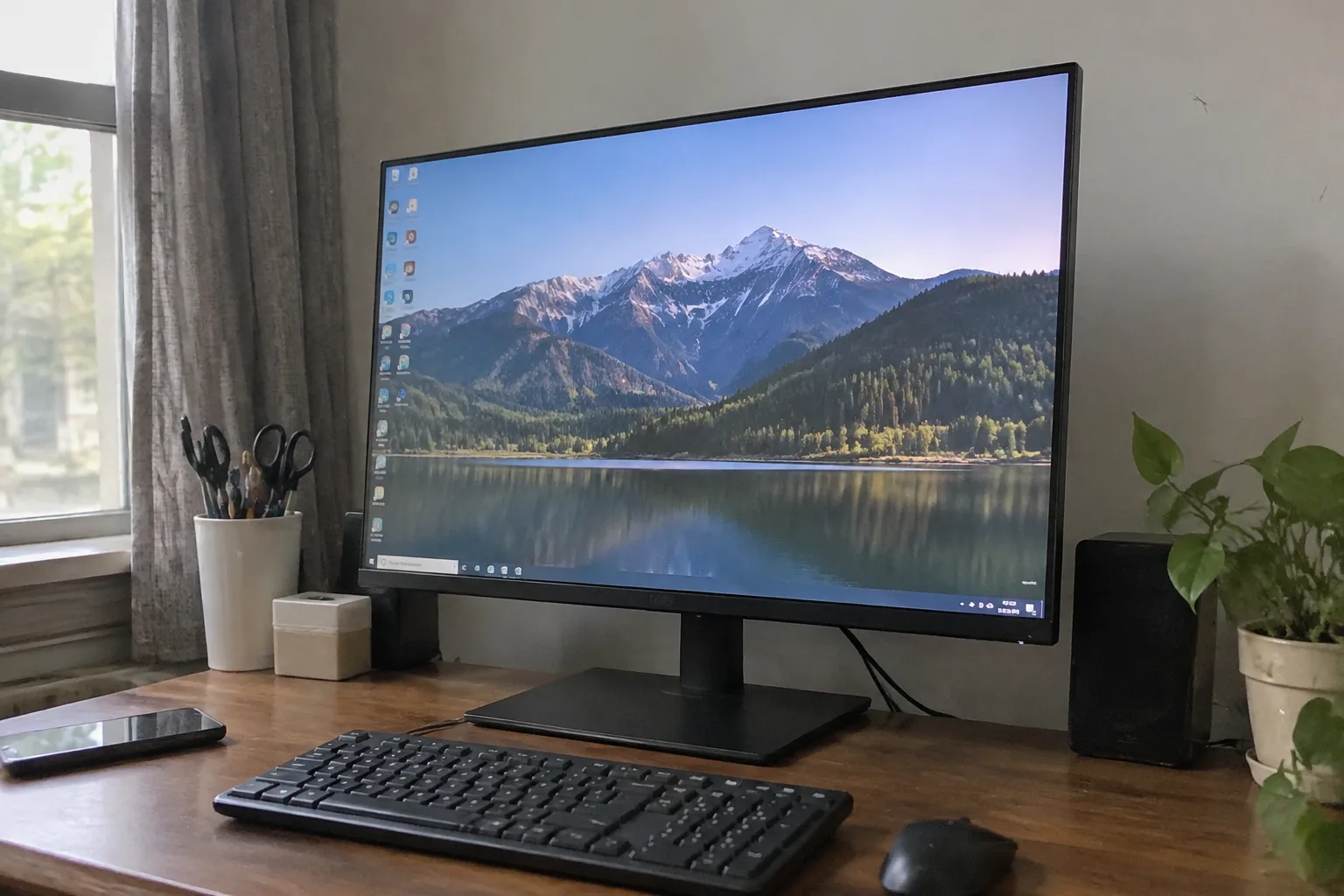
Two monitors sit on the same desk in a downtown apartment, and only one of them cost more than the chair. The cheap one is a 24-inch office panel bought on clearance for $120; the expensive one is a 32-inch 4K display that ran closer to $600. The person at that desk edits podcasts, writes code, and loses hours to a strategy game. They use both screens every day. The setup works.
This is the part where most buying advice would start making fine distinctions between panels, refresh rates, and color gamuts, and all of that matters eventually. But the question in the title has a real answer, and the real answer depends almost entirely on what the screen is for. A monitor is one of the few pieces of technology where the correct budget is not a smooth curve. It is a series of cliffs.
The Baseline: What $150 Actually Buys
At the entry level, roughly $120 to $200, a buyer gets a 24-inch or 27-inch 1080p panel with a 60 Hz refresh rate and an IPS or VA picture. That sentence sounds like a shrug, but it hides something useful: for reading text, writing documents, browsing, and watching video, a cheap modern monitor is genuinely good. The pixel density of 1080p at 24 inches lands around 92 pixels per inch, which is enough for documents to look clean at normal viewing distance.
What the bottom of the market skimps on is the stand. Many budget monitors ship with a base that tilts a few degrees and does nothing else, forcing a stack of books under the panel to get it to eye level. A VESA mount and a $30 arm fixes that permanently, and some buyers would rather have the arm than a better panel.
The other thing cheap monitors do is die early. The failure pattern is usually a flickering backlight or a dead column of pixels after three or four years. That is not a disaster at this price. It is a consumable.
The $250 to $400 Band Is Where Text Gets Sharp
Somewhere around $250, 1440p resolution becomes standard at 27 inches. That jump matters more than any other single upgrade for anyone who stares at text all day. At 27 inches, 1440p gives roughly 109 pixels per inch, and the difference between that and 1080p is the difference between reading a printed page and reading a slightly fuzzy photocopy. It is not a luxury. It is the threshold where a monitor stops feeling like a window and starts feeling like paper.
This band also brings 27-inch 4K panels down to within reach, sometimes under $350 on sale. Text on a 4K 27-inch screen is so crisp that some people find it almost unnerving for the first week. The catch is that older laptops and cheap docks cannot always drive 4K at 60 Hz, so the buyer who goes this route should check the ports on the machine doing the driving before spending the money.
A reasonable ceiling for a pure work monitor, one used for documents, spreadsheets, and video calls, sits near $400. Past that point the returns get strange, and the money starts buying things the work does not require.
High Refresh Rates Cost Real Money and Reward Specific People
A 144 Hz or 165 Hz panel smooths motion in a way that is immediately obvious when scrolling a long web page or moving a cursor across a desktop. Gamers describe the effect as night and day, and that is not marketing language. The cost premium for high refresh has collapsed in recent years, with 27-inch 1440p gaming monitors routinely selling between $250 and $350.
For a person who does not play fast-twitch games, the upgrade is pleasant and entirely optional. A writer will not notice it after a week. A trader watching tickers move might. The honest calculation is whether the screen gets used for anything where motion is the point.
The gaming crowd also pays for response time and adaptive sync, both of which are now table stakes at midrange prices. The real cost of a gaming monitor shows up in the graphics card needed to push frames at 1440p or 4K. A $300 screen paired with a $900 card is a $1,200 decision, and the monitor is the cheap part.
Color Accuracy Is the Expensive Religion
Photographers, video editors, and illustrators live in a different market. A monitor that covers the full sRGB gamut with a Delta E under 2 is a tool, and tools get priced accordingly. Wide-gamut panels with hardware calibration start around $500 and climb past $1,500 for 4K or 5K models with factory calibration reports in the box.
The trap here is that a hobbyist photographer who shoots on weekends and posts to Instagram does not need a $1,200 reference display. A midrange 4K panel that covers 99 percent of sRGB handles that work fine. The expensive monitors earn their price when prints have to match the screen or when a client is paying for color fidelity. Buying one for casual use is like buying a calibrated kitchen scale to make pancakes.
There is also a quiet maintenance cost. Calibration drifts, and a serious color workflow means a colorimeter every year or two and the discipline to actually use it. The hardware is only half the investment.
Ultrawide Screens Trade Money for Desk Space
A 34-inch ultrawide at 3440 by 1440 replaces two monitors with one curved slab, and the people who love them love them fiercely. The appeal is real: a single continuous surface, no bezel in the middle of a spreadsheet, and a cleaner desk. Prices have settled between $400 and $700 for solid models.
The tradeoff is desk depth. An ultrawide wants to sit at least 30 inches from the eyes, and many apartment desks are only 24 inches deep. Buyers who shove one against the wall end up turning their heads like a spectator at a tennis match. The screen is not the problem; the furniture is.
Ultrawides also demand more from the computer driving them. A laptop from five years ago may output 3440 by 1440 at 30 Hz, which makes the cursor feel like it is moving through syrup. Checking the port spec before the purchase saves a return.
The Two-Monitor Math Changes the Whole Question
Here is where the budget conversation gets interesting. Two 24-inch 1080p monitors on arms cost about $300 total and deliver more usable screen area than a single 34-inch ultrawide at twice the price. For tasks that involve reference material on one side and a working document on the other, the pair wins on pure utility.
The single-monitor camp counters with the bezel problem and the cable clutter, and both objections are fair. The pair also demands a graphics output for each screen, which older laptops sometimes lack without a dock.
A sensible compromise many desks land on is one good 27-inch 1440p panel plus one cheap vertical monitor for chat windows and reference documents. The vertical screen can be a $100 refurbished office panel, and the pairing beats a single expensive display for most working setups.
Where the Money Goes Wrong
The most common overspend is buying resolution the eyes cannot resolve. A 4K panel at 27 inches sitting 20 inches from the face is sharper than human vision at that distance for most people. The extra money buys bragging rights and slightly heavier graphics load.
The second is buying for a future that never arrives. A person who plans to start a YouTube channel someday buys a color-accurate 4K monitor, then edits three videos and stops. The screen spends the next four years displaying email at a quality no email deserves.
The third and most expensive mistake is ignoring the desk. A $700 monitor on a $60 desk with no arm and no cable management produces a worse daily experience than a $300 monitor on a proper setup. Ergonomics beat pixels in the ranking of what makes a screen pleasant to use.
A Working Number for Most Buyers
Strip away the special cases, and the median desk in a home office needs a 27-inch 1440p IPS panel with a height-adjustable stand or a VESA mount. That monitor costs $250 to $350 in most years, and it will serve for six to eight years without complaint. Add $40 for a monitor arm if the desk is shallow. That is the whole recommendation for the person who writes, reads, browses, and joins video calls.
Gamers should budget $300 to $450 and put the savings toward the graphics card. Photographers and editors should start at $500 and only go higher when a client is paying for the color. Bargain hunters should not feel bad about the $150 panel, provided they spend $30 on an arm and set it at the right height.
The monitor market has a strange property that most electronics lack: the cheap end is good enough, the middle is where the value lives, and the top is a specialized tool for a specialized job. Knowing which of those three a person is in is the entire purchase decision. The rest is comparing spec sheets that mostly say the same thing.
The desk with the $120 clearance panel and the $600 4K screen is not a contradiction. It is two different jobs sharing a surface, and each screen was bought for the work it actually does.