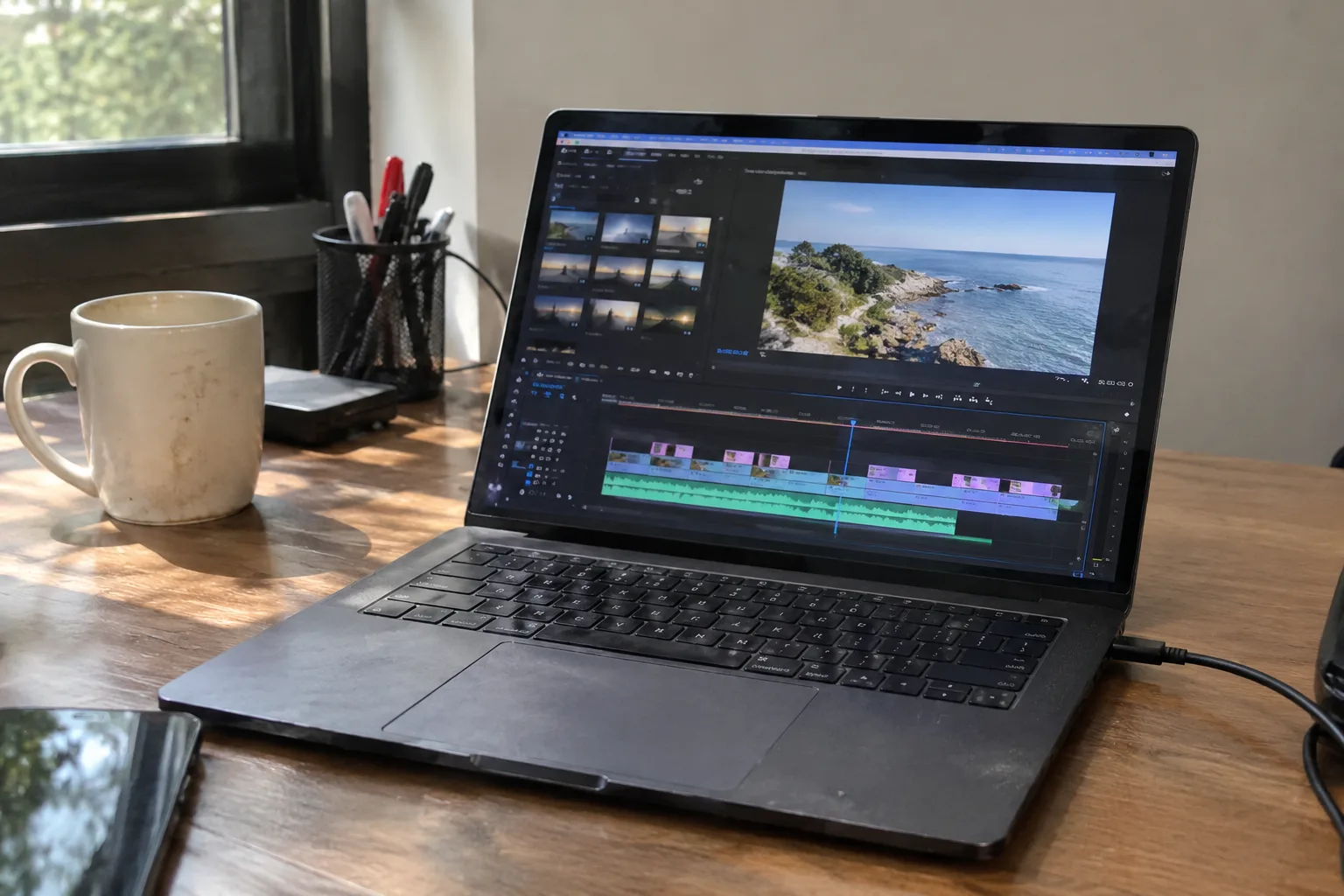
The first laptop that genuinely worked for editing video, in the sense of a machine that didn't make the editor want to throw it through a window, arrived in the mid 2000s and cost about as much as a used car. That has changed. What hasn't changed is the way spec sheets lie by omission. A laptop can have a beautiful screen, a fast processor, and still choke on a 4K timeline because the storage is wrong or the cooling is decorative. The numbers on the box tell a story, and the story is often incomplete.
Buying a laptop for editing is an exercise in understanding which specs actually touch the work and which are there to look good on a sticker. Four things matter: the processor, the memory, the storage, and the graphics chip. A fifth, thermals, is invisible on the spec sheet and decides whether the other four perform for ten minutes or two hours. The order of importance depends on what kind of footage gets cut, which is where most buying advice falls apart.
The processor and the codec problem
Editing video is two jobs wearing one coat. There is the timeline work, scrubbing and trimming and layering, and there is the export, where the machine grinds through footage for minutes or hours. The processor handles both, but the codec of the source footage decides how much heavy lifting it has to do.
H.264 and H.265 footage, which is what most cameras and phones produce, is compressed in a way that forces the processor to work hard on every frame during playback. Intel chips have handled this with dedicated hardware for years, and Apple's own silicon has an unusually strong media engine for it. A modern mid-range chip from either camp will scrub through 4K H.264 footage without complaint. An older or budget chip will stutter, and no amount of RAM fixes stutter caused by a missing decode engine.
ProRes and DNxHD, the formats editors transcode to for smoother work, are far kinder to the processor. Footage in those formats plays back like butter on hardware that would struggle with raw H.265. This matters because it changes the buying math. A person who transcodes everything before editing can get away with a cheaper processor than someone who insists on cutting native camera files.
Core count is the other half of the processor story. Eight cores is the comfortable floor for serious editing in 2025, with twelve or more helping export times on long projects. The difference between an eight core and a fourteen core chip is mostly felt at the end of the day, when the same export that took forty minutes takes twenty five. That is a real quality of life improvement, and it costs money.
Memory: the number that gets argued about most
Sixteen gigabytes is the floor and thirty two is the working number. This is the least controversial statement in laptop buying and also the one most often ignored by people trying to save three hundred dollars.
What eats memory during an edit is not the footage itself but everything stacked on top of it: the operating system, the editing application, browser tabs left open for reference, music, a messaging app, and the preview renders the software keeps in memory so the timeline stays responsive. A 4K project with a few layers of color correction and titles will push a 16GB machine into swap, where the system starts using storage as overflow memory. Swap is slow. The timeline gets sticky. The fan spins up for no apparent reason.
Thirty two gigabytes gives the editor room to keep several applications open and still have headroom for a heavier sequence. Sixty four is for people cutting 8K, working with multiple streams of high bitrate footage, or running a virtual machine alongside the edit. The jump from 32 to 64 is expensive and usually unnecessary for anyone editing 4K from a mirrorless camera.
One trap deserves mention: soldered memory. Many thin laptops, including most of Apple's lineup and a growing number of Windows ultrabooks, cannot be upgraded after purchase. The memory bought on day one is the memory for the life of the machine. A laptop with upgradeable SO-DIMM slots is worth a premium for anyone who expects to still be editing on it in four years.
Storage speed and the scratch disk habit
Every editing guide says to use a fast SSD. Fewer explain why, and the why is what determines how much storage to buy.
Video editing reads and writes enormous amounts of data continuously. A single minute of 4K footage from a mirrorless camera can be several gigabytes. The editing software streams that data from storage to memory to the processor and back, and if the storage can't keep up, playback stutters. A spinning hard drive, which still appears in budget laptops, cannot sustain the read speeds needed for smooth 4K playback. An NVMe solid state drive can, and by a wide margin.
Capacity matters as much as speed. Editing software generates cache files, proxy media, and render previews that can balloon to many times the size of the original footage. A 512GB drive fills up fast on a real project. One terabyte is the sensible minimum, and two is comfortable for anyone who doesn't want to manage storage weekly.
The professional habit is to keep the operating system and applications on the internal drive and put footage and cache on an external SSD connected over Thunderbolt or USB 3.2. This spreads the read and write load across two devices and keeps the internal drive from filling with project files. A laptop with two Thunderbolt ports handles this setup without complaint. A laptop with one port and a dongle is a daily irritation.
The graphics chip does more than games
Video editing software has leaned on the GPU for years now. Color correction, noise reduction, effects rendering, and export encoding all use it. A weak integrated graphics chip forces the processor to do work the GPU could handle faster, and the difference shows up in playback smoothness and export times.
For 1080p and light 4K work, modern integrated graphics from Intel, AMD, and Apple are genuinely capable. The line where a dedicated GPU starts to earn its price is heavier 4K work with effects, and anything involving 6K or 8K footage. A discrete chip from Nvidia or AMD adds cost, heat, and weight, and it shortens battery life noticeably. The trade is worth it for editors who color grade and apply effects regularly.
Video memory, separate from system memory, matters for GPU heavy work. Four gigabytes is thin for 4K timelines with effects. Six to eight is the comfortable range, and more helps with high resolution footage. This is a spec that rarely appears in marketing materials for consumer laptops, which tells a buyer something about who those machines are built for.
The screen is a spec too
Editing video means looking at color for hours and making judgments that will be visible to an audience. A laptop screen with poor color accuracy makes those judgments unreliable. The panel should cover most of the sRGB or DCI-P3 color space, and the marketing materials should state which. A screen that claims "full HD" without mentioning color coverage is a screen built for spreadsheets.
Brightness matters for editing in rooms with windows. Three hundred nits is the floor for comfortable indoor work, and four hundred or more helps in brighter spaces. Resolution above 1080p gives more room for the timeline and the preview window, which is a small daily convenience that adds up. None of this is as important as the processor or memory, but a beautiful edit on a washed out screen is a guessing game.
The invisible spec: thermals and fan noise
A laptop's performance is capped by its ability to shed heat. The same processor in two different chassis can perform very differently. A thin machine with a small fan will throttle under sustained load, dropping its clock speed to stay within temperature limits, and the export that benchmarked fast in a review will crawl on a real project.
This is why reviews that measure sustained performance over thirty minutes matter more than reviews that measure a single burst. It is also why a slightly thicker laptop with a serious cooling system often beats a thinner, more expensive one for editing work. The spec sheet doesn't list the thermal design, and the buyer has to read between the lines or find a review that ran a long export test.
Fan noise is the companion problem. A laptop that sounds like a hair dryer during a render is a laptop that can't be used in a shared room or on a call. It is a small thing until it isn't.
Matching the machine to the footage
The honest answer to "what specs do I need" is that it depends on what gets edited, and the dependence is sharp. A person cutting 1080p footage from a phone or a consumer camera can work comfortably on a mid-range laptop with 16GB of memory, a 512GB SSD, and integrated graphics. That machine costs a fraction of the flagship and will do the job for years.
A person cutting 4K from a mirrorless camera with color grading and effects needs the working configuration: a recent eight core or better processor, 32GB of memory, a 1TB NVMe drive, and a discrete GPU if effects are heavy. That is the center of the market and where most serious hobbyists and freelance editors land.
Someone cutting 6K or 8K, or working with raw footage from a cinema camera, is in a different tier entirely: 64GB of memory, the fastest available storage, a strong discrete GPU, and a chassis with real cooling. That machine is heavy, expensive, and plugged in most of the time. It is also the only category where the top spec sheet numbers are not overkill.
The mistake to avoid is buying for the footage a person aspires to edit rather than the footage they actually shoot. A laptop spec'd for 8K that gets used for 1080p vlogs is money spent on numbers that never get exercised. The reverse mistake, buying a thin machine for 4K work because the screen looked nice in the store, produces the stutter and the fan noise and the slow exports that make editing feel like a chore. The footage decides the spec. Everything else is marketing.


