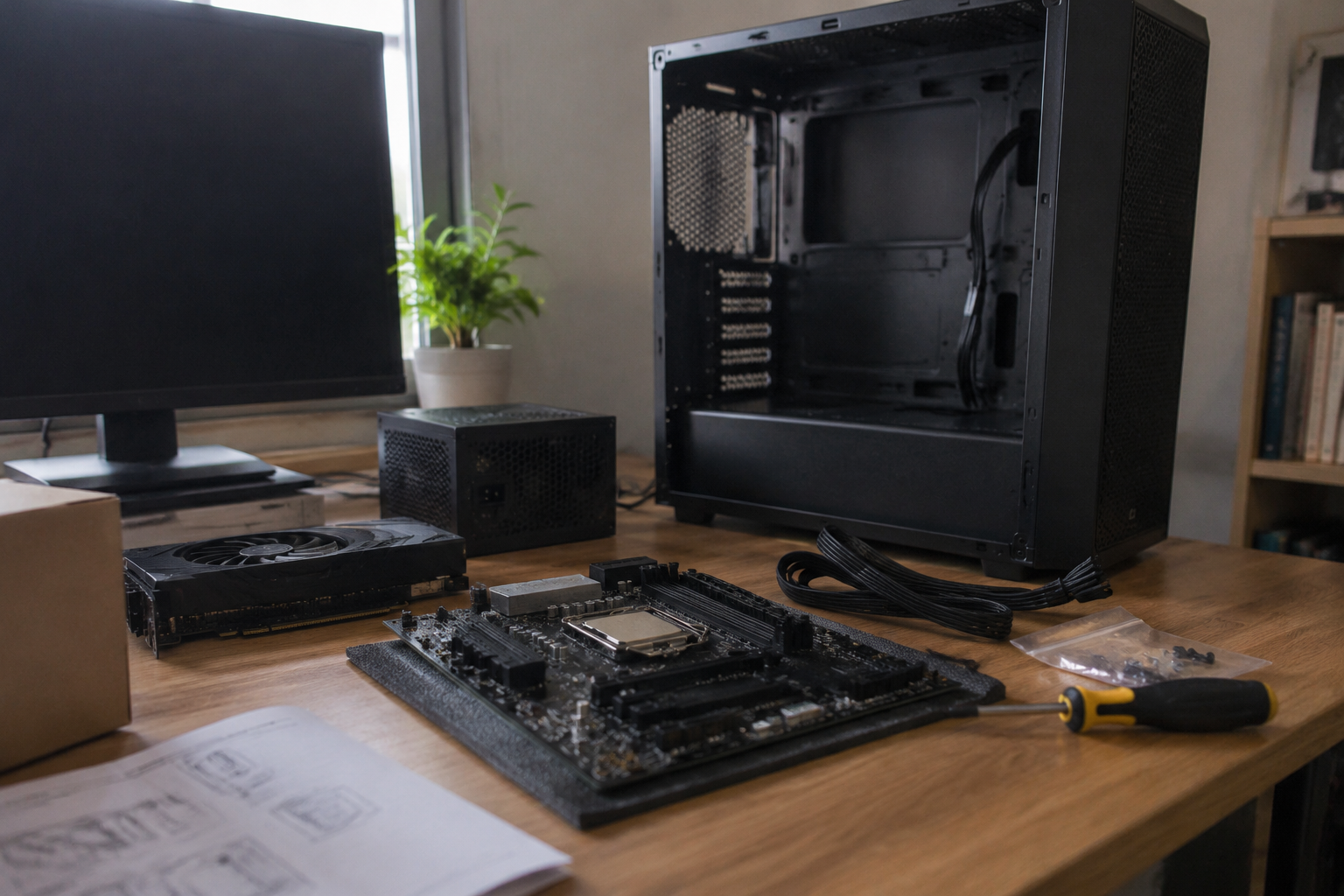
A first desktop build usually begins with a number. Six hundred dollars, a thousand, fifteen hundred. The number gets fixed in the head before a single part is chosen, and then the real work starts: figuring out what that number actually buys in the current market, which parts can be cheap without consequence, and which ones punish every corner cut. A budget build is not a single tier. It is a set of decisions that ripple, and the part list is where those decisions either hold together or fall apart.
The single most useful fact about desktop building is that a PC is a committee, not a machine. Every part negotiates with its neighbors. A graphics card heavy enough to justify a big power supply also demands a case with room for it. A fast processor needs a motherboard that supports its socket and a cooler that can clear its heat. The budget is not a pile of money to allocate; it is a set of constraints that move together.
The graphics card sets the tone for everything behind it
For a gaming-focused desktop, the graphics card is the part that decides the machine's personality, and the budget should be shaped around it first. A mid-range card from the last two generations runs most current titles comfortably at 1080p and holds up at 1440p with settings turned down. That card also dictates the power supply's wattage, the case's interior clearance, and even the monitor choice.
Here is the trap. A cheap card paired with an expensive processor produces a machine that benchmarks well in productivity work and disappoints in games, because the card becomes the bottleneck. The reverse, a strong card with a modest processor, generally plays better. For a first build intended mainly for entertainment, the money belongs in the graphics card, and the processor can be the mid-tier part that nobody brags about.
Buying used deserves a mention. A secondhand card from a reputable seller, still under warranty, can deliver a tier of performance that the new-parts budget cannot touch. The risk is real but manageable: verify the serial number, ask about mining history, and insist on a return window. For a first build, a new card with a clean warranty is the calmer choice, but a used one is not reckless.
Processors and motherboards come as a package deal
The processor and motherboard are bound by a socket, and the socket changes every couple of generations. This is the part of a budget build where a mismatch becomes expensive fast. A processor chosen for its price is useless if the motherboard that fits it costs more than the savings, or if the platform is at the end of its life and offers no upgrade path.
A sensible first-build pattern: pick a current budget-friendly platform, pair a mid-range processor with a motherboard that has the ports and expansion slots actually needed, and skip the premium chipset features like overclocking headroom that a first build will never use. The motherboard is the part most often overspent on, because it is the easiest to admire in a spec sheet. A basic board with solid power delivery does the job.
Memory belongs here too. Sixteen gigabytes is the practical floor for a modern desktop, and thirty-two is comfortable for gaming plus a browser with too many tabs open. Speed matters less than capacity for most first builds, and a two-stick kit is better than four sticks because it is easier on the memory controller.
Storage: one fast drive beats two slow ones
The storage decision is simpler than it looks. A single solid-state drive, at least five hundred gigabytes and preferably a terabyte, covers the operating system, a handful of large games, and everyday files. The days of a small boot drive plus a spinning hard drive are over for most builds; a second large hard drive for bulk storage is a nice-to-have, not a starting requirement.
Speed grades on solid-state drives matter less than the marketing suggests. A mid-tier drive with a good reputation for reliability will feel identical to a flagship in everyday use and in most games. The money saved goes toward the graphics card, where it changes the experience far more.
The power supply is the one part never to cheap out on
Every experienced builder says the same thing about the power supply, and it is the one piece of conventional wisdom that survives every budget. A cheap power supply is the part most likely to fail, and when it fails it can take other parts with it. A reputable unit from a known manufacturer, rated for the wattage the build actually needs with some headroom, is not a luxury.
The wattage calculation is forgiving. A mid-range build with a single graphics card typically runs comfortably on a unit in the five-hundred-to-seven-hundred-watt range. The exact figure matters less than the certification and the brand's track record. A well-reviewed six-hundred-watt unit beats an off-brand eight-hundred-watt unit every time.
The case and cooler are where a budget build shows its seams
The case is the part that gets chosen last and regretted first. A cheap case with poor airflow turns a quiet build into a loud one, and a case with tight clearances turns a straightforward assembly into a puzzle. A budget case is fine as long as it has mesh in front, room for the graphics card, and at least one fan included.
Cooling follows the same logic. Most mid-range processors ship with a stock cooler that is adequate but noisy under load. A modest aftermarket air cooler, the kind that costs about as much as a nice dinner, drops temperatures and noise for very little money. Liquid cooling is a later-build luxury; for a first budget desktop, air is the honest answer.
A worked parts checklist at three budget tiers
A checklist is more useful when it shows how the same categories shift across budgets. The exact part names change with sales and generations, but the shape of the allocation holds.
At the entry tier, roughly six hundred to eight hundred dollars: a mid-range graphics card from the previous generation, a budget quad-core or six-core processor on a current platform, a basic motherboard, sixteen gigabytes of memory, a five-hundred-gigabyte solid-state drive, a reputable five-hundred-watt power supply, a mesh-front case with one fan, and the stock cooler. This build plays most current games at 1080p with settings adjusted and handles everyday work without complaint.
At the mid tier, roughly a thousand to thirteen hundred dollars: a stronger graphics card, a six-core processor, a motherboard with better connectivity, thirty-two gigabytes of memory, a one-terabyte drive, a six-hundred-to-seven-hundred-watt power supply, a better case, and an aftermarket air cooler. This is the sweet spot for most first builds, where the machine stays comfortable for several years.
At the upper tier, roughly fifteen hundred dollars and up: the graphics card takes the largest share, the processor moves up a class, and the case and cooling become things to enjoy rather than tolerate. The returns diminish here, and a first build rarely needs this tier unless the work involves heavy creative software.
Tools and the parts nobody lists
The build itself needs very little: a Phillips screwdriver, a clean workspace, and some patience. A small anti-static precaution, like touching a grounded metal surface before handling components, is worth the thirty seconds. Cable ties or velcro straps keep the interior tidy, and a spare SATA cable or two saves a return trip if a drive arrives without one.
The operating system belongs on the list too. A Windows license is a real line item, and a first-time builder who forgets it discovers the omission on assembly day. Linux is a genuine option for some users and costs nothing, but the software ecosystem matters more than the price for most people.
Where first builds actually go wrong
The failures are rarely dramatic. The most common is a motherboard that ships with an outdated firmware revision and refuses to recognize a newer processor, a problem solved by a board with a firmware-flash feature or by choosing a processor the board supports out of the box. The second is a power supply chosen by wattage alone, ignoring the reviews. The third is memory bought as four small sticks instead of two larger ones.
None of these are fatal. They are the kind of mistakes that cost an evening and a return shipping label. A budget build tolerates them better than a premium one because the parts are cheaper to replace, but the real defense is choosing parts that are known to work together, which is why the checklist matters more than any single component.
The satisfying part of a first build arrives near the end, when the side panel goes back on and the machine posts on the first try. That moment is earned by the boring decisions made earlier: the right power supply, the honest motherboard, the graphics card that got the budget it deserved. A first desktop built this way does not impress a spec sheet. It impresses the person sitting in front of it, year after year, which is the only benchmark that counts.


