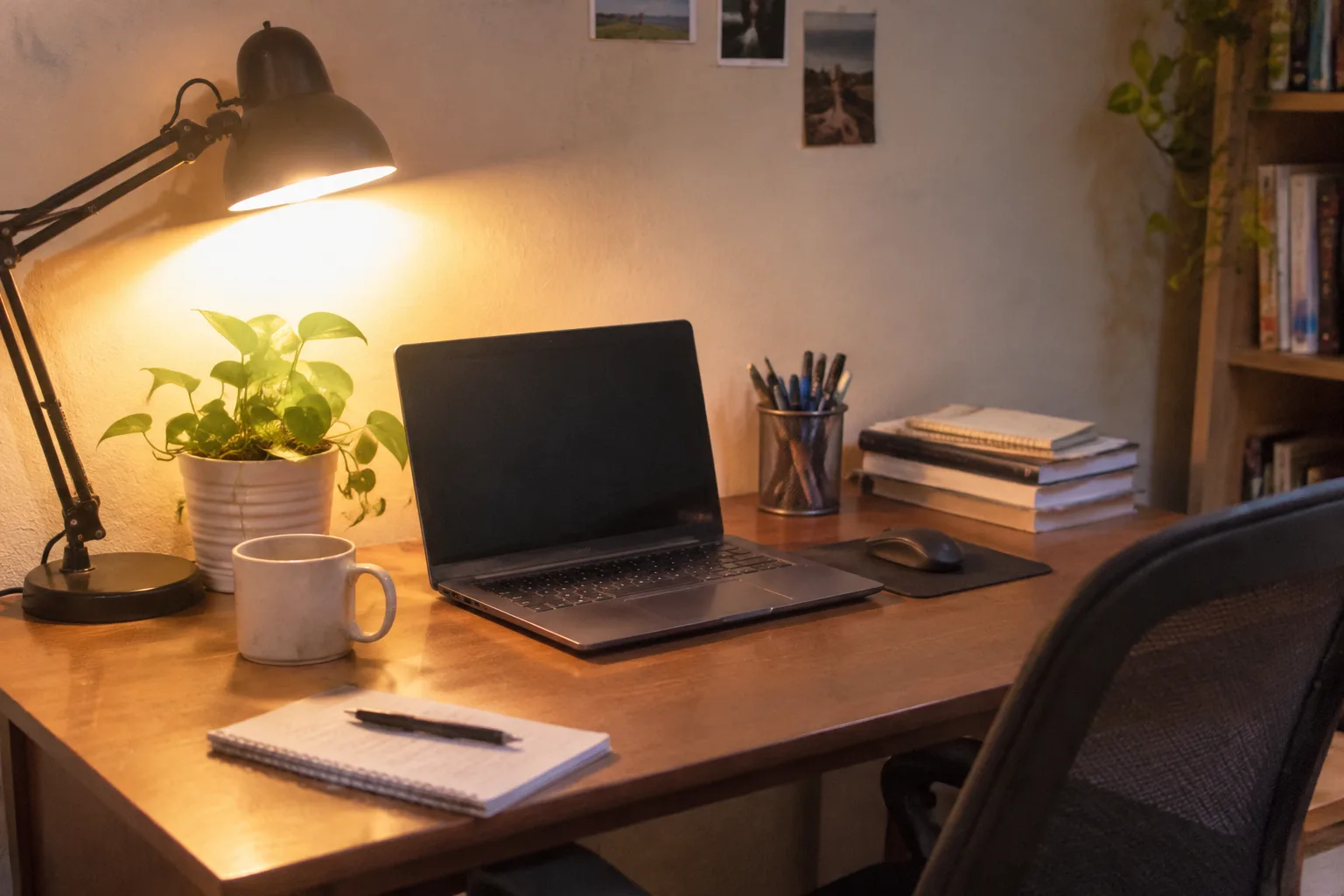
A desk is a machine for attention, and most home setups are badly tuned machines. The laptop sits at chest height on a stack of novels, the chair came from a dining set, the monitor is a hand-me-down with a smear across it, and the router blinks away six inches from the coffee mug. None of this is dramatic. It is the quiet, cumulative kind of wrong, the sort that a person only notices when the third hour of work feels like the sixth.
What follows is not a shopping list. It is a list of the mistakes that show up again and again in spare bedrooms and kitchen corners, paired with the fix that costs the least and helps the most. Most of them are cheap. Several are free. A few require a person to admit that the setup they built in a weekend in 2020 was never really finished.
The laptop-on-a-stack-of-books problem
The most common arrangement is a laptop propped on whatever was within reach: two hardbacks, a ream of paper, a cutting board. It gets the screen closer to eye level, which is the right instinct. It also puts the keyboard at shoulder height, so the hands reach up and forward all day. The neck improves and the wrists pay for it.
The fix is to separate the two jobs. Raise the screen, lower the input. A laptop stand, a stack of sturdy boxes, a wall shelf at the right height: any of these can lift the display until the top third of the screen sits roughly at eye level. Then bring in a separate keyboard and mouse at desk height. The hands rest low and flat, the shoulders drop, and the whole posture loosens within an hour.
A cheap external keyboard does this job fine. The point is the split, not the hardware.
The chair that came from the dining table
Dining chairs are built for twenty minutes of sitting and a plate. They have a flat seat, a straight back, and no adjustment whatsoever. After a morning in one, the hips ache and the lower back starts to complain. The temptation is to buy the most expensive office chair on the market. That is rarely the right first move.
What matters is adjustability in three places: seat height, so the feet rest flat on the floor with the knees at about a right angle; seat depth, so the back of the knees clears the edge of the seat by a couple of fingers; and back support that lands in the lower back rather than the shoulder blades. A basic task chair with those three settings, found used for less than a nice dinner, will beat a beautiful fixed chair every time.
If the budget is zero, a folded towel behind the lower back and a cushion under the seat buys a surprising amount of comfort. A footrest made from a box under the desk stops the legs from dangling, which is the quiet cause of a lot of fidgeting.
One screen doing the work of two
A single laptop screen forces a kind of constant window shuffling. Documents hide behind each other. The cursor travels. A person ends up holding layout in their head instead of on the desk, and by mid-afternoon the mental tab count is exhausting.
A second monitor, even a modest one, changes the shape of the workday. Reference material on one side, active work on the other. The fix does not require matching screens or a curved ultrawide. A used 24 inch panel and a cable will do it. Position the top of the second screen level with the first, and angle both slightly toward the face rather than flat to the wall.
The mistake here runs the other way too: people buy a second monitor and then place it off to the far side, so the neck spends the day turned. Put the primary screen directly ahead and the secondary one just beside it, close enough that a glance, not a turn, reaches it.
The desk against the blank wall
The default layout is the desk pushed flat against a wall, facing plaster. It is tidy and it is dispiriting. Every glance up from the screen lands on nothing. The eyes, which need to shift focus to a distant point now and then to stay comfortable, have nowhere to go.
A desk angled into the room, or placed under a window, or turned so the worker faces the door, gives the eyes a distance to rest on and gives the mind a small sense of space. The wall behind can hold a shelf or a plant. The point is to have something to look at that is farther than arm's length.
Window light is the best light there is, but it has a catch: a screen facing a bright window turns into a mirror. Set the desk perpendicular to the window, so daylight falls across the work from the side, and the glare problem mostly disappears.
The single overhead bulb
One bulb in the ceiling, directly above or behind the chair, casts the worker's own shadow onto the keyboard. The contrast between a bright screen and a dim room makes the eyes work harder than they should. Headaches follow, and the person blames the screen.
Three small lights beat one big one. A task lamp off to the side of the dominant hand, angled so it lights the desk and not the eyes. A softer light somewhere behind or beside the desk to lift the room. And the screen's own brightness turned down to match the room, which most people never touch. A screen blazing at full brightness in a dim room is the single most common cause of end-of-day eye fatigue in a home office.
The cable snake under the desk
Every cable that enters the desk should have a home. In most setups the charger, the monitor cable, the keyboard wire, and the phone cord all dangle toward the floor in a loose braid that catches a foot and pulls something loose once a month. The tangle is not just ugly. It is the reason a monitor flickers and a person cannot figure out why.
A handful of velcro ties and one adhesive clip strip along the back edge of the desk solve most of it. Route cables along the underside, bundle the ones that travel together, and leave a little slack where things need to move. The router and the power strip belong on the floor or mounted to the wall, not on the desk where they collect dust and clutter.
The desk that is the wrong height for the body
Standard desk height is around 29 inches, which suits a person of roughly average height and almost no one exactly. A shorter worker ends up with the chair raised and the feet dangling. A taller one ends up hunched over a surface that sits too low. Neither is comfortable for long.
The correct height puts the elbows at roughly 90 degrees with the shoulders relaxed and the wrists flat. If the desk is too high, a footrest or a thicker seat cushion helps. If it is too low, bed risers under the legs or a set of desk blocks lift it cheaply. Standing desks are fine, but a person who never stands at one has simply bought a more expensive height problem.
The chair that never moves
Even a good chair becomes a bad chair after an hour of stillness. The body is built to shift. The most expensive setup in the world cannot fix a person who sits in exactly one position from nine to five.
A timer, a glass of water, a reason to stand up every so often: these matter more than the chair's lumbar curve. A standing break to refill a glass, a walk to the mailbox, a few minutes of stretching in the doorway. The movement resets the back and the attention both.
The mistake is treating the setup as a finished object. It is a body in a room, and the body needs to move around inside it.
The monitor that is too close to the face
On a small desk, the screen ends up a forearm's length away, and the eyes converge and focus hard all day. The fix is distance. An arm's length or a bit more between the eyes and the screen lets the focusing muscles relax. If the desk is shallow, a monitor arm clamps to the back edge and pushes the screen back while freeing the surface underneath.
The arm also fixes height and angle at the same time, which is why it is one of the few accessories worth recommending without hesitation. A cheap one holds a normal monitor fine. The desk gets its space back and the eyes get their distance.
The setup that was never finished
Most home offices were assembled in a hurry and never revisited. The laptop stand arrived and the external keyboard did not. The second monitor got mounted and the cables were never routed. The chair was adjusted once, badly, and left that way. The room works, in the sense that work happens in it, but it was never tuned.
The useful exercise is to spend one hour noticing. Where does the body complain first? Where does the eye travel when it needs a break? What gets knocked over, unplugged, or lost once a week? Each of those small irritations points at a specific fix, and most of the fixes cost less than a takeaway dinner.
A finished desk is one where nothing is actively annoying. The screen is at the right height, the hands rest low, the light falls from the side, the cables stay where they were put, and the chair fits the body in it. None of that is glamorous. All of it disappears into the background, which is exactly what a good workspace should do.


