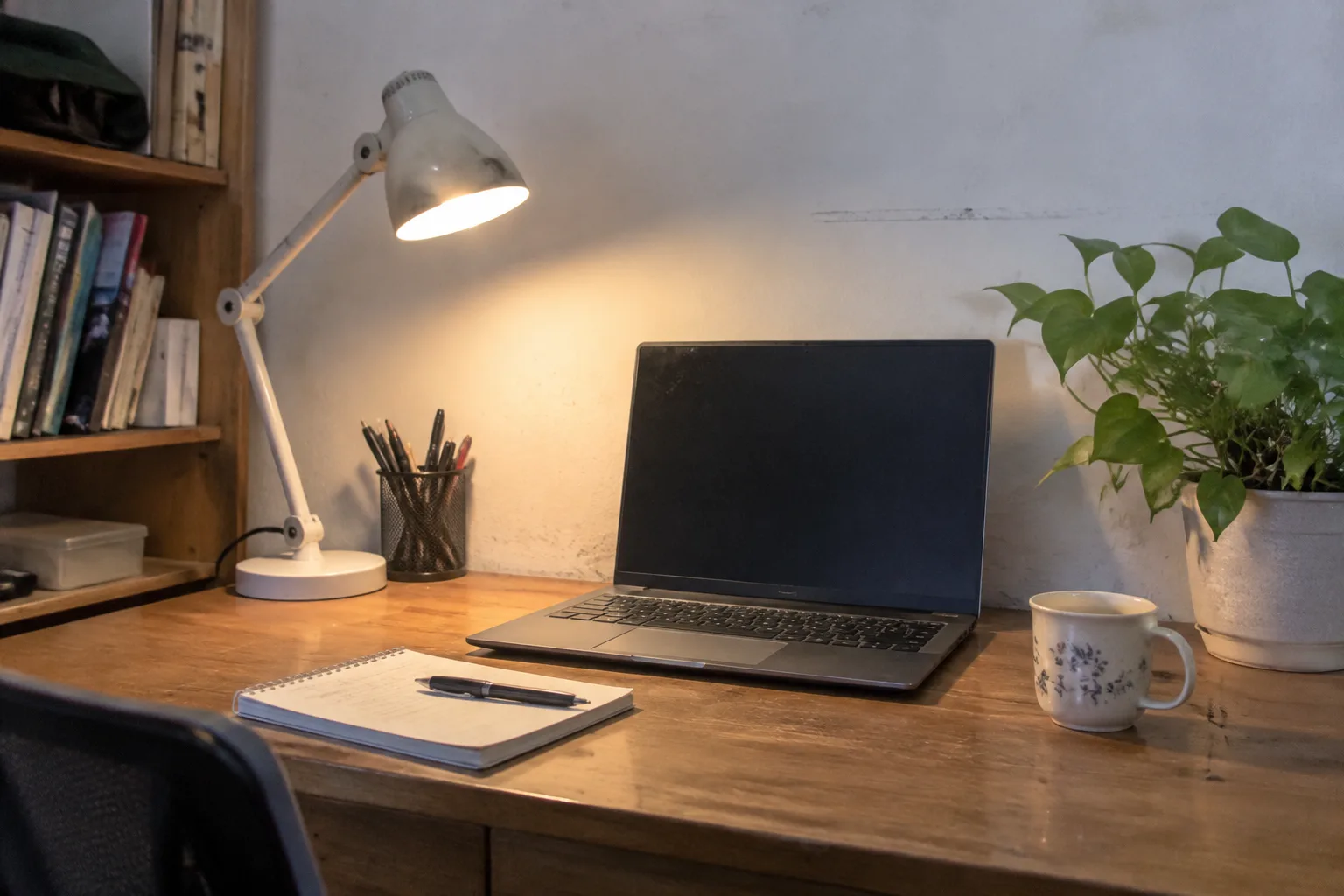
The desk in the corner of a rented apartment is usually a door on two filing cabinets, or a folding table that wobbles when the laptop fan spins up. That is the reality the budget home office has to solve for. A person can spend four figures on a standing desk and an ergonomic chair and still end up with wrist pain and a tangled cable nest, because the money went to the wrong places. The essentials that actually matter cost less than a single mid-range monitor, and they cluster around a handful of decisions most people get backwards.
What follows is a working list, built from the kind of setup that has to survive a full workday without a dedicated room, a generous budget, or a landlord who will let anyone drill into the wall. The order matters less than the logic behind each pick.
The desk surface comes before the desk
A cheap desk is a slab of engineered wood on legs, and the slab is the part that matters. The legs can be wobbly metal; the top needs to be thick enough and wide enough that a monitor, a keyboard, and a notebook can share it without a fight. A 120 by 60 centimeter top is the practical minimum for one screen and a real keyboard. Anything narrower forces the monitor into the corner and the arms into a permanent twist.
The trick most budget setups miss: buy the top and the legs separately. A solid wood butcher block or a thick laminate countertop offcut costs less than a branded desk of the same size, and it will not bow under a monitor arm. A pair of adjustable steel legs runs cheap online. The whole assembly takes twenty minutes and a hex key.
Depth earns its keep too. Sixty centimeters of depth is the line between a monitor at a comfortable distance and one that sits close enough to make the eyes work. A desk that is deep but narrow beats a wide shallow one for the same money, because the eye strain shows up long before the clutter does.
The chair is the one place to spend real money
Every other item on this list can be bought cheap without much consequence. The chair cannot. A person sits in it for six or seven hours, and the difference between a forty dollar folding chair and a properly adjustable task chair is the difference between an ache that fades by dinner and one that does not.
The budget move is a used office chair from a liquidator, the kind that sells off the furniture from a company that downsized or moved. Steelcase and Herman Miller models show up there for a fraction of retail, and the mechanisms are built to outlast the buyer. A chair needs four adjustments to be worth owning: seat height, seat depth, arm height, and some form of lumbar support that can be moved up or down. A five-point base with casters that roll on carpet and a gas lift that still holds pressure after a decade.
What a person should not do is buy a gaming chair because it looks the part. The racing bucket shape pushes the shoulders forward and the headrest forces the neck into a tilt. A task chair from 2012 with a scuffed base will serve the spine better than a new chair with a logo on it.
Lighting does more for eye comfort than any monitor upgrade
A screen is only as good as the light around it. The single most common budget mistake is a bright window directly behind the monitor, which turns the display into a mirror and forces the eyes to constantly refocus between the glare and the text. The second most common is a single overhead bulb that throws a hard shadow across the keyboard.
Two cheap fixes handle most of it. A desk lamp with a warm-to-neutral adjustable color temperature and a diffuser panel, placed to the side of the monitor rather than above it, softens the contrast between screen and room. A bias light behind the monitor, a strip of LEDs stuck to the back edge of the desk, raises the ambient level without putting any light in the eye. Both cost less than a monitor arm and both reduce the fatigue that shows up around hour six.
Position the desk so the window sits to the side of the monitor, never in front of it and never directly behind it. If the room offers no such wall, a cheap blackout curtain over the window does the job. The goal is even light on the work surface, with no bright source in the field of view.
A monitor arm frees the desk and the neck
The monitor should sit at eye level, with the top of the screen roughly at the height of the forehead, and the center tilted back a few degrees. The stand that ships with most monitors puts it too low and eats a third of the desk depth with its footprint. A gas-spring monitor arm clamps to the back edge of the desk and lifts the screen to the right height while clearing the surface underneath.
A decent single arm costs less than a new monitor and changes how the whole desk feels. Cable routing runs along the arm, which solves half the tangle problem in one move. The clamp needs a desk edge thick enough to grip; a thin folding table may need a reinforcement plate, a scrap of plywood cut to size, to keep the clamp from crushing the surface.
The arm also makes the desk height question easier. Once the monitor floats, the desk can sit at whatever height the elbows want, roughly level with the keyboard, without the screen height dictating the whole arrangement.
The keyboard and mouse are a wrist decision
A membrane keyboard that came bundled with a desktop is fine for typing a paragraph. It is not fine for eight hours of it. The budget upgrade is a wired mechanical keyboard with a low-profile switch, or a decent scissor-switch board, both of which sit flatter and require less finger travel than the tall, mushy keys on a stock board. Wired saves money and avoids the lag and battery anxiety of a cheap wireless one.
The mouse is where the wrist pays. A vertical or angled mouse keeps the forearm in a handshake position and takes pressure off the carpal tunnel, and the cheap ones work as well as the expensive ones for most people. A wrist rest, a gel pad or a folded towel, under the keyboard edge keeps the wrists from resting on the hard desk lip. These are small purchases with outsized effect.
Keyboard height should let the elbows hang at roughly ninety degrees, with the forearms parallel to the floor. If the desk is too tall, a keyboard tray is cheaper than a new desk. If it is too short, a riser under the monitor and a thicker chair cushion close the gap.
Cable management is a ten dollar problem
The tangle under a budget desk is not a character flaw, it is the natural result of a power strip, a monitor cable, a charger, and a lamp all competing for the same floor space. The fix is a cable tray that mounts under the desk and holds the power strip and the excess cable loops out of sight. A under-desk tray runs cheap and turns a nest into a single hidden line.
Velcro ties, not zip ties, for the cables that run along the desk frame. Zip ties are permanent and a person will regret them the first time a device needs to move. A handful of adhesive cable clips along the back edge routes the monitor and keyboard cables down the leg in a clean line. The whole kit costs less than a takeout dinner.
The storage that keeps the desk clear
A small desk fills up fast. The budget answer is vertical: a shelf or a set of stackable drawers beside the desk, or a wall shelf above the monitor if the lease allows. The rule is that anything not used daily lives off the desk surface, and the surface stays clear enough to hold a notebook and a coffee without rearranging.
A single drawer unit, even a cheap plastic one, does more for focus than a second monitor. The clutter that accumulates on a desk surface is the clutter that pulls the eye away from the screen every few minutes. Keeping the surface empty is a productivity purchase disguised as furniture.
What the budget should actually look like
Add it up. A used task chair, a butcher block top on adjustable legs, a gas-spring monitor arm, a wired mechanical keyboard, a vertical mouse, a diffused desk lamp, an LED bias strip, a cable tray, and a small drawer unit. The total lands well under what a single branded standing desk costs new, and each piece earns its place by solving a specific problem that shows up on day three of a full workweek.
The one place to stretch is the chair, because the body notices it first. Everything else can be replaced piece by piece as the budget allows. A person who buys the chair used and the rest cheap ends up with a desk that works, and a body that does not complain by Friday afternoon.
The desk that survives is the one assembled in the right order: surface, then seat, then light, then the small hardware that keeps the surface clear. Buy in that order and the budget goes where the strain actually lives.


