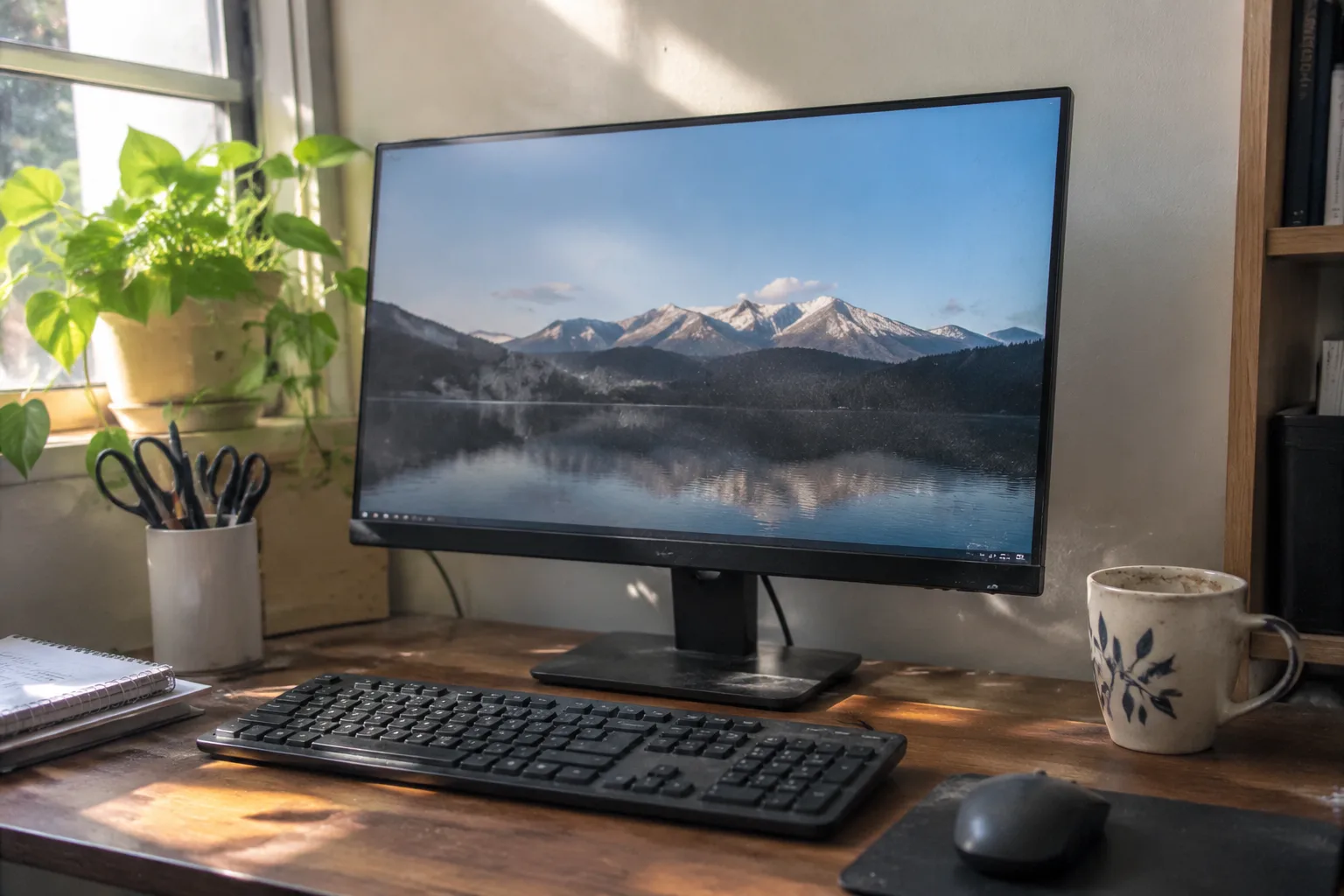
The $200 monitor is the workhorse of the home office, and almost nobody reviews it honestly. Reviewers test $600 panels and then wave at the budget shelf on the way out. Meanwhile the person building a desk in a spare bedroom needs one answer: which cheap screen can sit in front of a face for eight hours without causing regret. That question has a real answer in 2024, and it is more interesting than the spec sheets suggest.
What follows is not a ranked listicle. It is a working guide to the handful of models that actually earn their place, plus the traps that separate a good budget monitor from a bad one, because the difference rarely shows up in the marketing copy.
Why the panel type matters more than the price tag
Almost every monitor under $200 uses one of three panel technologies: TN, VA, or IPS. The distinction is not academic. It decides whether a document looks crisp from the side, whether dark text on a white page shimmers, and whether a spreadsheet viewed slightly off-center turns muddy.
TN panels are the cheapest and the worst for office work. They are fast, which matters for games and almost nothing else here. Their viewing angles are narrow enough that leaning back in a chair can shift the colors noticeably. A TN screen bought to save $30 tends to be the one a person stops enjoying by month three.
VA panels offer deep contrast and are common in the sub-$200 tier. Black text on white backgrounds looks punchy. The trade-off is response time and, on cheaper units, a smeary quality during fast scrolling. For reading and writing and spreadsheets, VA is fine. For anything involving motion, it is a compromise.
IPS is the panel to want. It holds color and contrast across wide angles, which means a person can shift position, glance at a second screen, and come back without the image falling apart. IPS costs more to make, so an IPS panel under $200 usually means the manufacturer cut something else. That trade is almost always worth taking.
The Dell P2422H and the case for buying boring
The Dell P2422H is a 24-inch 1080p IPS monitor that sells for around $170 to $190 depending on the week. It is the least exciting recommendation in this piece and probably the safest one. The stand adjusts for height, tilt, swivel, and pivot, which sounds like a minor feature until a person spends a week craning a neck at a fixed-height screen. The ergonomics alone justify the price over cheaper rivals.
Dell's budget business line has a reputation for uniformity: the panels are consistent unit to unit, the ports are sensible (HDMI and DisplayPort), and the warranty support is genuinely responsive. A 24-inch 1080p screen at this price is not sharp by modern standards, roughly 92 pixels per inch, so text is acceptable rather than crisp. For a secondary screen or a tight desk, that is fine. For a primary screen where documents sit all day, it is the minimum acceptable density.
The P2422H earns a place because it does the unglamorous things correctly. Height adjustment, a USB hub, and a panel that does not need calibration out of the box add up to a monitor that disappears into the work, which is the highest compliment a budget screen can receive.
Where 1080p stops being enough
A 27-inch 1080p monitor is the most common budget mistake. At that size, the pixel density drops to roughly 82 pixels per inch, and the pixel grid becomes visible on text. Letters look slightly fuzzy, and long reading sessions produce a low-grade eye strain that users often blame on the monitor's brightness rather than its resolution.
The rule that holds up: 1080p is fine up to 24 inches. At 27 inches, 1440p is the honest minimum, and 1440p at 27 inches under $200 is rare but not impossible. When a 27-inch 1080p screen is the only option in budget, it should be treated as a secondary display for video and reference material, not the main document screen.
This is the single most useful thing a buyer can internalize before shopping. Resolution and diagonal size are locked together. A cheap large screen is often worse for work than a slightly more expensive smaller one.
The HP X27q and the 1440p exception
The HP X27q is a 27-inch 1440p IPS panel that regularly dips to around $200 on sale, sometimes a little under. When it does, it is the best value in the category by a wide margin. At 27 inches and 1440p, pixel density climbs to about 109 pixels per inch, which is the threshold where text starts to look genuinely clean rather than merely legible.
It also runs at 165Hz, which is overkill for spreadsheets and quietly pleasant for everything else: smoother scrolling, less cursor judder, a generally more responsive feel. The stand is height adjustable. The panel covers a wide color gamut. The catch is that the $200 price is a sale price, not a standing one, and the monitor sells for closer to $250 to $280 at list.
Anyone who can wait for a sale and stretch the budget by a few dollars should put the X27q at the top of the list. It is the screen that makes the case that the $200 ceiling is arbitrary. A person who buys it once tends not to shop again for years.
The Asus ProArt PA248QV and color accuracy on a budget
For anyone whose work involves images, the Asus ProArt PA248QV is the budget pick that actually respects color. It is a 24-inch 1920x1200 IPS panel, and that extra 120 pixels of vertical height matters more than it sounds. A 16:10 aspect ratio gives roughly 11 percent more vertical room than 16:9, which translates into one more line of a document, one more row of a spreadsheet, one less scroll per page.
The ProArt line ships with factory calibration claims and a Delta E rating that, while not laboratory-grade at this price, is meaningfully better than the average budget panel. It covers the sRGB gamut well. For a person editing photos for a blog or laying out a newsletter, that accuracy is worth more than a higher refresh rate.
It sells for around $190 to $220, which puts it right at the ceiling. The stand is fully adjustable. The ports are generous. The compromise is refresh rate, a standard 75Hz, which is fine for still work and unremarkable for anything else.
The specifications that quietly ruin a cheap monitor
Brightness is the first spec to check and the one most often fudged. A monitor rated at 250 nits is adequate for a dim room and marginal in a bright one. Below 250 nits, a screen washes out near a window. Budget panels often list 250 nits and deliver less across parts of the panel, a uniformity issue that shows up as a slightly dim corner.
Contrast ratios are worse. Marketing copy lists numbers like 1000:1 or, absurdly, "mega contrast" figures that refer to dynamic contrast, a software trick. The static contrast ratio is the one that matters, and for IPS panels it sits around 1000:1. VA panels reach 3000:1 or higher, which is why they look punchier in a showroom and why that punch does not always translate to comfort over a long day.
Then there is flicker. Many budget monitors dim their backlight using pulse-width modulation, switching the light on and off rapidly. At low brightness, some people perceive this as a faint flicker that produces headaches over hours. A monitor advertised as flicker-free is worth a small premium for anyone who spends a full workday in front of it.
Ports, cables, and the hidden cost of a cheap stand
A budget monitor with a fixed stand forces a secondary purchase. A monitor arm or a riser costs $30 to $80, which erases much of the savings over a model with height adjustment built in. The arithmetic is simple: a $150 monitor plus a $60 arm is a $210 monitor with worse ergonomics than a $190 model that adjusts out of the box.
Ports deserve a similar accounting. HDMI alone is fine for a single laptop. A USB-C port with power delivery, which is rare under $200 but appears on a few business models, can replace a dock and clean an entire desk of cables. DisplayPort matters for daisy-chaining two screens from one connection. The cheapest monitor is often the one that requires the most accessories.
One practical note on cables: many budget monitors ship with a short, stiff HDMI cable that reaches barely past the stand. A longer, better-shielded cable costs almost nothing and prevents the intermittent signal dropouts that get misdiagnosed as a failing monitor.
Buying used is the real budget move
The most underrated strategy for a sub-$200 monitor is the used market. Corporate liquidators sell off three-year-old business monitors by the pallet, and a Dell UltraSharp or an HP EliteDisplay from 2020 often sells for $80 to $120. These are IPS panels with full ergonomic stands, USB hubs, and build quality that embarrasses new budget models.
The risks are real but manageable. Dead pixels, backlight bleed, and worn stands are the common issues, and a buyer who inspects in person or buys from a seller with a return policy can avoid most of them. The savings are large enough that a person could buy two used business monitors for the price of one new budget screen and run a dual-display setup that transforms how much work fits on a desk.
New budget monitors have their place: warranty, uniformity, and the absence of someone else's coffee stain. But for pure value per dollar, the refurbished business panel is the quiet champion of the category, and it is the recommendation that surprises people most often.
Matching the monitor to the actual work
The right budget monitor depends on what fills the screen. A writer or coder lives in text and benefits most from pixel density and a height-adjustable stand; the Dell P2422H or the Asus ProArt fit that life. A person juggling spreadsheets and video calls wants vertical space and a decent webcam perch, which makes the 16:10 ProArt or a used 24-inch business panel the smarter call.
Someone editing photos needs color accuracy above all, and the ProArt is the only sub-$200 new monitor that takes that seriously. A gamer who also works from home should stretch for the HP X27q on sale, because 1440p at 27 inches serves both jobs. And anyone with a tight desk and a laptop should consider a single good 24-inch screen over two mediocre ones; one clean panel at eye level beats a pair of dim, misaligned displays every time.
The monitor is the surface a person stares into for the bulk of the waking day, and the budget tier is full of false economies. The screen that costs $40 less and lacks height adjustment, flicker-free backlighting, or an IPS panel will extract that $40 back in discomfort within a month. Spend the ceiling, buy the boring business panel or the sale-priced 1440p screen, and the desk gets a foundation that lasts through several laptops.


