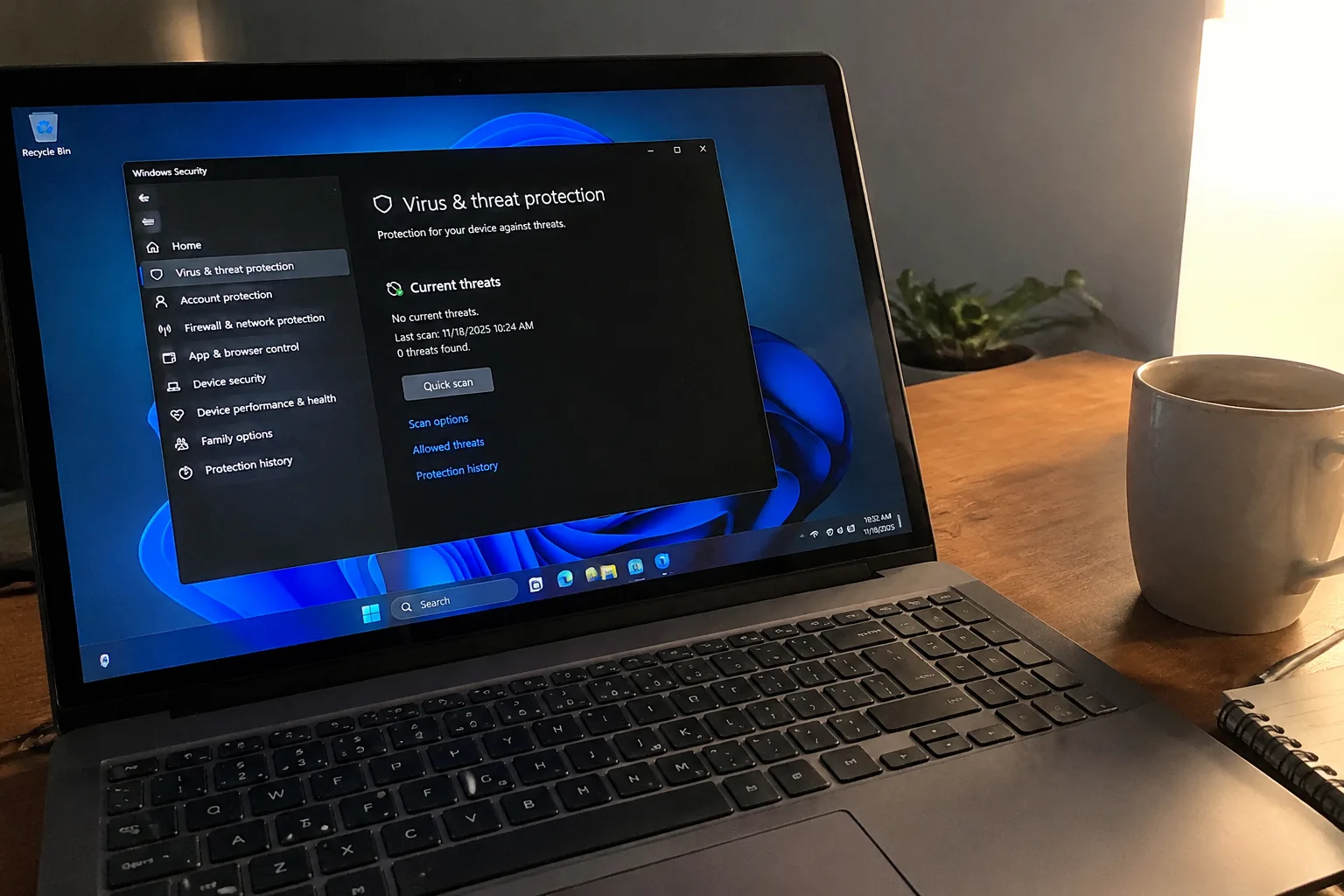
Microsoft ships a free antivirus inside every recent copy of Windows, it sits there switched on by default, and it scores well enough in the independent lab tests that the gap between it and the paid suites has narrowed to a few percentage points in most rounds. That fact gets repeated so often that it has hardened into folk wisdom: Defender is all anyone needs, and the antivirus industry is a relic selling subscriptions to people who never got the memo. The folk wisdom is mostly right. It is also wrong for a list of people specific enough that the list is worth writing down.
Start with what Defender actually does, because the misconception runs in both directions. It is not a stripped-down teaser product. On a clean Windows 10 or 11 install it provides real-time file scanning, cloud-delivered protection that checks new files against Microsoft's threat intelligence within seconds, ransomware detection aimed at the folders people care about, and a decent firewall. It updates itself alongside Windows. It does not nag, does not add a browser toolbar, and does not charge a renewal fee every year. For a household laptop that browses the web, handles email, and streams video, that package covers the realistic threat surface.
The case for paying for something else begins where Defender's design philosophy ends. Microsoft builds a product for the median user and for the health of the Windows ecosystem. The median user is not a small business owner with patient records on a shared drive, and the Windows ecosystem does not care whether one customer's specific workflow is covered.
Households with children, guests, and shared machines
A single adult with one laptop and a phone makes few mistakes. A house with three teenagers, a shared desktop in the hallway, and a rotating cast of friends who log in to check their email is a different environment. Paid suites tend to bundle parental controls, per-user web filtering, and time limits in one console. Defender's family features exist but lean on Microsoft's account structure and are thinner on granular reporting.
There is also the matter of a click. The most common way malware arrives on a home machine is a person tapping a link in a message that looked plausible at 11 p.m. Paid products have spent years tuning the moment of interception, the warning screen that appears when a download looks wrong. Defender shows that screen too. The paid versions tend to be noisier about it, and in a house where the person clicking is not the person paying, noisier has value.
Anyone running a business from a laptop
A freelancer with client contracts, tax records, and a business bank login on one machine has a different risk calculus than someone whose worst-case loss is a reinstalled operating system and a forgotten password. That calculus is not really about malware detection rates. It is about what happens after an incident: the ability to pick up a phone, reach a support agent, and get a machine cleaned or a file restored without spending a weekend on forums.
Defender offers no human support line for consumers. A small business can buy Microsoft Defender for Business, which does include support and centralized management, but that product is priced and administered for organizations, not for a one-person consultancy. For that person, a consumer suite with phone support and a recovery tool is a few dozen dollars a year against the cost of a lost workday. The math favors paying.
People who cannot afford to be without the machine for a day
There is a category of user for whom the laptop is the livelihood: the translator on deadline, the accountant in the middle of filing season, the student two days from a thesis submission. These people do not need better detection so much as a faster path back to working. Paid suites increasingly bundle backup of key folders and a rescue environment that boots outside Windows, which matters when the infection has locked the desktop.
Defender protects the running system. It does not restore the file that was encrypted before the ransomware was caught. Windows has its own backup tools, and OneDrive versioning covers some of this ground, but the paid suites wrap backup and cleanup into one interface with one support number. Convenience is the product here, and it is a legitimate thing to buy.
The over-65 household that handles money online
Older users are targeted disproportionately by technical support scams, fake invoice emails, and lookalike banking pages. Much of that fraud does not involve malware at all; it involves a convincing phone call and a person who is polite and wants to help. Antivirus software cannot stop a scam where the victim volunteers the password.
What a paid suite can do is add a layer of friction and a human to call. Several vendors market identity monitoring, dark-web alerts when credentials appear in a breach, and a support line that will walk a rattled person through what to do after a suspicious call. That last item is the real purchase. A subscription that includes a calm voice on the phone at the moment of panic is worth more than any detection engine for this household.
Machines that will never see a Windows update again
Windows 10 reached the end of standard support in October 2025. Millions of machines that still run fine sit outside the security update window unless their owners pay for extended coverage or upgrade hardware. On those machines, Defender's protection ages along with the operating system it is bolted to, because the engine and the platform share a fate.
A third-party product can extend the useful life of an older machine somewhat by adding its own web filtering, exploit mitigation, and update checks that do not depend on Microsoft's schedule. It is a patch on a structural problem, and the honest recommendation for most people is to replace the machine or move to a supported OS. For the person who genuinely cannot, a paid suite buys time.
The tinkerer who disables things
Defender has a weakness that gets discussed less than it should: it is easy to turn off, and Windows will let a person do it if they insist. People who install cracked software, run scripts from forums, or disable protections to make a game or tool work are exactly the users who most need a second layer. A paid suite is harder to switch off accidentally, and some of them will re-enable themselves after a set period.
This is a small group, and the correct advice for most of them is to stop installing cracked software. For those who will not, the subscription functions as a seatbelt for a driver who has decided to speed.
Who should keep the free version and close the tab
The majority of home users fall here. A single adult, a couple, a student with a school-issued laptop: Defender plus a password manager plus two-factor authentication on the important accounts covers more ground than any antivirus subscription. The money is better spent on a backup drive or a password manager family plan.
There is a trap in the free-version decision. Many cheap laptops ship with a trial of a paid suite preinstalled, and when the trial expires the machine ends up with two antivirus engines fighting each other or, worse, with the trial product half-disabled and Defender switched off. The right move on a new machine is to check the security status screen, remove the trial software, and confirm Defender is on. A surprising number of "my computer is slow" complaints trace back to this exact mess.
What the paid suites actually sell now
The pitch has shifted. Ten years ago the selling point was detection rates, and the marketing leaned on lab scores. Today the detection gap between the best paid products and Defender is small enough that a reasonable person can ignore it. What the paid products sell is the wrapper: a support line, a backup service, identity monitoring, a password manager, a VPN with a data cap, parental controls, and a single dashboard for a household's devices.
That bundle is the real product. A buyer who wants three of those services separately will often pay more than the suite costs. A buyer who wants none of them is paying for a detection engine that is marginally better than the free one, which is a poor trade.
The renewal price nobody reads
One more consideration that pushes the decision. Most consumer antivirus subscriptions are sold at a steep first-year discount and renew at two to three times that price. The renewal charge arrives quietly on a card, often years after the purchase, for a product the buyer forgot was installed. Anyone considering a paid suite should find the renewal price before buying and set a calendar reminder for the month before it hits.
The people who should buy antivirus are the ones who will use the wrapper: the parent who wants a family dashboard, the freelancer who wants a support line, the older user who wants a number to call, the owner of a machine that cannot be replaced. For everyone else, Defender is not a compromise. It is the product, already installed, already running, and already paid for by the Windows license.


