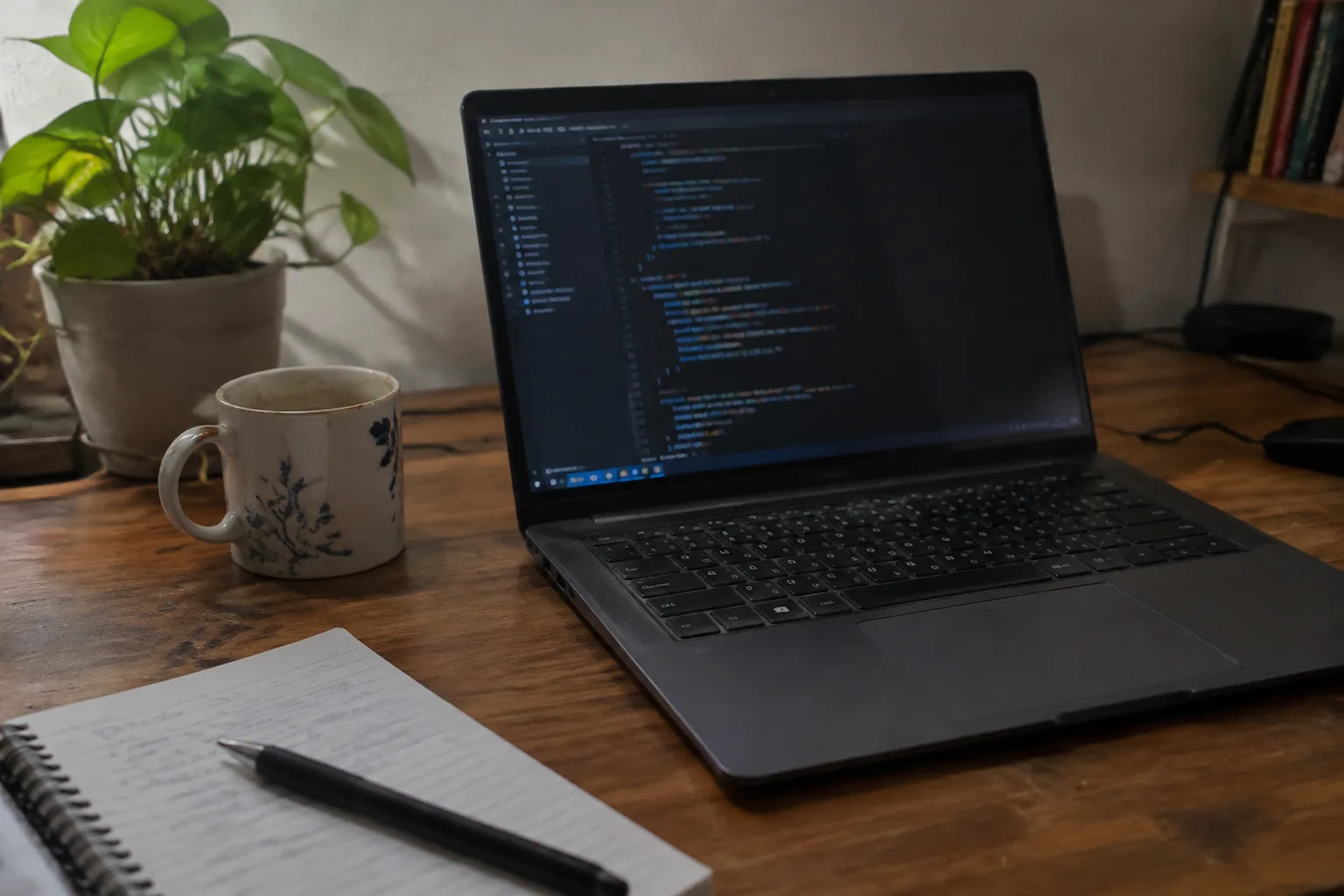
The laptop aisle in a big electronics store is designed to confuse. Forty machines, most of them black or silver, most of them with the same screen size, and a spec sheet taped to each one that lists numbers in a font too small to read at standing height. The processors have names like Ryzen 7 and Core Ultra 5. The storage is listed in gigabytes. The one thing a programmer actually needs to know, which is whether the keyboard feels right under the fingers at hour six of a debugging session, appears nowhere on the card.
Programming is an unusual use case. It asks less of the graphics card than gaming and less of the battery than air travel, but it asks more of the keyboard, the screen, and the memory than almost any other kind of work. A person who writes code for a living will spend more time looking at text and touching keys than a video editor will. The balance of specs shifts accordingly, and the machines that win on raw benchmark scores are often not the ones that win on a desk at 11 p.m.
The processor matters less than the review threads suggest
Any current mid-range chip will compile a mid-sized project without complaint. The difference between a fast processor and a very fast processor shows up in the compile step, which is measured in seconds, and in the local server or database running in the background, which is measured in steadiness. A chip that throttles under sustained load is worse than a slower chip that holds its clock, because a laptop that runs hot for an hour starts to feel like a hair dryer pointed at the wrists.
For most programming work, the sensible target is a modern mid-tier processor with a decent cooling design. The cooling matters more than the badge. A thin chassis with a powerful chip and one small fan will lose to a slightly thicker chassis with a modest chip and two fans, every time, once the build runs past the ten-minute mark. Reviews that measure sustained performance over half an hour are more useful than the ones that quote a single benchmark number.
There is a small group of programmers who genuinely need the top chip: people compiling large C++ codebases, running local machine learning models, or spinning up several containers at once. For them the extra money buys real time. For everyone else, the same money is better spent on memory and a better screen.
Memory is the spec that quietly decides how the day goes
Sixteen gigabytes is the floor for a programming machine. It is also, increasingly, not enough. A browser with twenty tabs, an editor, a language server, a terminal, a database, and a chat window will together push past sixteen gigabytes on a busy afternoon, and the operating system responds by swapping to disk. The machine does not crash. It just gets a little slow, then a little slower, and the person using it starts closing tabs they wanted to keep.
Thirty-two gigabytes is the number to aim for. It is the difference between a machine that stays responsive through a heavy day and one that has to be managed. The catch is that memory is often soldered to the motherboard now, which means the decision is made at purchase and cannot be fixed later. A laptop bought with sixteen gigabytes will die with sixteen gigabytes. That single fact should push the budget upward before anything else does.
Storage is simpler. Five hundred gigabytes is workable, a terabyte is comfortable, and the speed of the drive matters less than people think for code work. A solid-state drive of any recent generation will load a project fast enough. The one storage rule worth following is to avoid the cheapest tier, because the smallest drives are often the slowest as well.
The screen earns its money in vertical pixels
Code is tall. A function, its brackets, and the comment above it want to be visible at the same time, and a screen that shows twenty lines forces more scrolling than a screen that shows forty. Resolution matters for this reason more than for sharpness. A 1920 by 1080 panel on a 15-inch laptop is the minimum; a 16:10 or 3:2 aspect ratio adds a few precious lines and is worth seeking out, because the extra height is exactly where code lives.
Color accuracy is mostly irrelevant for programming. A developer does not need to match a brand palette. What a developer does need is a matte finish, or at least a screen bright enough to fight glare, because a glossy panel in a room with a window behind it turns into a mirror by mid-morning. Four hundred nits of brightness handles most indoor situations. Three hundred nits with a glossy coating does not.
Text rendering is the quiet variable. Some panels render small monospaced fonts with a slight fuzz that becomes exhausting after a few hours. Others are crisp enough that the letters hold their shape at ten points. This is hard to judge from a spec sheet and easy to judge in a store, which is one reason to buy a laptop in person if the option exists. Failing that, a generous return window is the next best thing.
The keyboard is the part that cannot be upgraded
Every other component in a laptop can be worked around. A slow processor can be waited out. A dim screen can be angled away from the window. A small drive can be supplemented with an external one. The keyboard is different. It is the surface the hands touch for the entire working life of the machine, and if the feel is wrong, the wrongness is permanent.
What makes a keyboard good for programming is specific. The keys need enough travel that a press registers as a deliberate act, somewhere around one and a half millimeters. They need a firm bottom-out, a clear stop, so the fingers know when a keystroke has landed. They need a layout with the arrow keys in their proper places and the function row not doing something strange to the escape key, because programmers press escape constantly and reach for the arrows constantly, and a keyboard that hides either one behind a modifier is a keyboard that will be cursed daily.
The trend toward thinner laptops has pushed key travel down across the industry. Some of the resulting keyboards are still fine, with a crisp response that compensates for the shorter throw. Others feel like typing on a tabletop. The difference is not visible in photographs and barely visible in reviews, which tend to describe keyboards in vague terms like "comfortable" or "clicky." The reliable way to judge is to type a full paragraph on the display model, ideally a paragraph with brackets and semicolons in it, and notice whether the fingers are missing keys.
A backlight is worth having. Most programming happens indoors, much of it in the evening, and a keyboard that disappears when the room dims is a small daily annoyance that adds up.
Ports, because the dongle life is a tax
A programmer plugs things in. An external monitor, a mechanical keyboard, a mouse, a phone for testing, sometimes an Ethernet cable because hotel and office Wi-Fi is unreliable. A laptop with two USB-C ports and nothing else will require a hub, and the hub will live in the bag, and one day it will be left at home. The machine that has at least one USB-A port, an HDMI output, and a headphone jack earns its place on the desk. This is the least glamorous part of the decision and one of the most consistently regretted when it is gotten wrong.
Battery life and the myth of the all-day machine
Advertised battery life is measured with the screen dimmed and nothing running. Real programming drains a battery faster: the editor polls the file system, the language server indexes, the browser refreshes, the terminal runs a build. Eight hours of real code work is a good result. Ten is excellent. The machines that claim twenty hours are measuring video playback, which is a different job entirely.
For most programmers the laptop lives on a desk most of the time, plugged into a monitor, and battery life matters mainly for the commute and the occasional coffee shop session. A person who works from a desk five days a week can weight battery life lower than the reviews suggest. A person who moves between offices and cafés should weight it higher and should look for a machine that charges over USB-C, so one cable can power the laptop and connect the monitor.
The operating system question, handled briefly
Some programmers need macOS because their toolchain assumes it, or because the terminal environment matches the servers they deploy to. Some need Windows because their employer requires it or because they build Windows software. Many are happy anywhere, since most modern development happens inside a browser, a container, or a remote server. The operating system decision usually comes first, before any of the hardware questions, and it narrows the field to a handful of machines. Once that field is set, the keyboard, screen, and memory tests do the rest of the sorting.
A shortlist, stated plainly
The machine worth buying for programming has a mid-tier current processor with a cooling system that holds up under load, thirty-two gigabytes of memory, a terabyte of storage, a matte screen at 1920 by 1080 or better with a 16:10 aspect ratio, a keyboard with real travel and a sane arrow-key layout, a few useful ports, and a price that leaves room for a decent external monitor. That monitor, by the way, will do more for daily comfort than any upgrade inside the laptop itself, because a second screen at eye level changes the shape of the work.
The order of priorities is memory, then keyboard, then screen, then ports, then processor, then battery. Most buying guides invert that list and lead with the chip, because the chip is the easiest thing to put in a headline. The person who will actually use the machine for the next four years is better served by the first order. The fingers and the eyes are the ones that have to live with the decision.
One last practical note: the display model in the store is usually the machine that has been typed on by a thousand people, and it will feel different from the one in the box. Buy from a seller with a generous return window, type on the real machine for a week, and send it back if the keyboard fights back. The spec sheet cannot tell the difference. The hands can.


