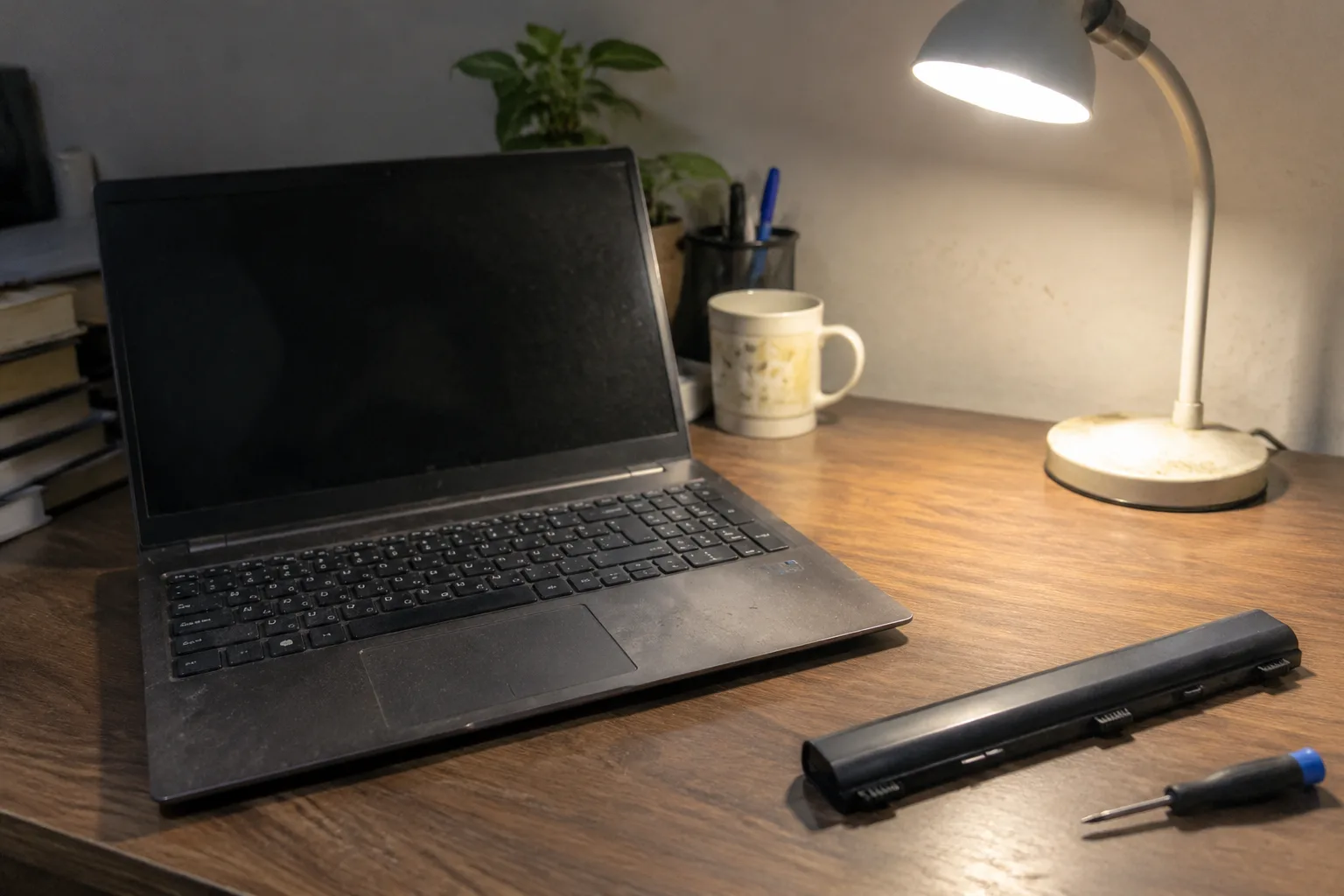
A lithium-ion pack rated for 500 charge cycles does not die on a Tuesday. It dies across eighteen months of small surrenders: the hour of runtime that becomes fifty minutes, then thirty, then the stretch where the machine shuts down at 40 percent without warning and the owner starts carrying the charger the way people carry umbrellas in April. By the time the question of replacement versus a new machine surfaces, the laptop is usually four or five years old, the keyboard has a shine on the home row, and the decision has less to do with hardware than with arithmetic nobody wants to do twice.
The arithmetic is worth doing once, carefully, because the two options pull in opposite directions and the numbers rarely line up as cleanly as the sales page suggests.
What a replacement battery actually costs in 2024
For a mainstream Windows laptop, an official replacement pack runs somewhere between 60 and 130 dollars in parts, and a shop will charge another 50 to 100 for labor if the cell is buried under the motherboard. Apple's out-of-warranty battery service for most MacBook Air and Pro models sits in a similar band, roughly 130 to 250 dollars depending on the model year. The spread is wide because the labor is the variable. A Dell Latitude with a slide-out bay takes four minutes and a plastic spudger; a glued-down ultrabook takes a heat gun, suction cups, and a steady hand.
That range matters because it lands right in the awkward middle. A 120-dollar repair on a machine worth 200 dollars used is a bad trade. The same repair on a machine worth 450 dollars is a bargain. The battery price alone tells a person nothing until it is set against the resale value of the whole unit, and that value is set by the processor, the RAM, and whether the chassis has any cracks around the hinges.
The four-year cliff and why it is not about the battery
A laptop does not age evenly. The battery degrades on a predictable curve, which is why it fails first and loudest. But underneath it, other things are aging on their own schedules: the thermal paste has dried and the fan runs louder than it did in year one, the SSD has accumulated enough writes that its spare blocks are thinning, the Wi-Fi card cannot see the newer 6 GHz bands, and the operating system has quietly stopped receiving feature updates. Replacing the battery fixes exactly one of those problems.
This is the part the replacement argument tends to skip. A fresh cell restores runtime, and runtime is the symptom people notice. It does not restore the snappy feeling of a machine that boots in nine seconds instead of forty, and it does not make a 2019 processor handle a 2024 browser with thirty tabs open. If the laptop already feels slow with the charger plugged in, the battery was never the whole problem.
When the repair wins outright
There is a clear category where the replacement is the correct call and the new machine is waste. A well-built laptop from the last three years with a replaceable cell, a processor that still benchmarks respectably, and a chassis in good condition is worth keeping for another two or three years. The economics are stark: 100 dollars now versus 900 for a comparable new unit, and the old machine's performance gap to the new one is smaller than the price gap suggests.
Business-class machines deserve a specific mention. ThinkPads, Latitudes, and EliteBooks are designed around serviceability, with bottom panels that come off with a Phillips head and batteries that are a single connector and two screws. A five-year-old ThinkPad with a fresh battery and a clean install of the OS is a genuinely capable machine for writing, spreadsheets, and browsing. The used market knows this, which is why those models hold value longer than consumer ultrabooks of the same age.
The repair also wins when the machine is a known quantity. A person knows every dent, every quirk of the trackpad, every port that has gone loose. That familiarity has a real dollar value in the form of setup time alone: migrating to a new laptop costs an afternoon, sometimes a weekend, and the small miseries of re-authenticating every account and re-installing every utility.
The signs that a new machine is the honest answer
Three conditions tilt the decision hard toward replacement, and they tend to arrive together. The first is a machine older than five years with a processor from the pre-2020 era; the performance gap to a current mid-range chip is now large enough to feel in daily use, not just in benchmarks. The second is physical wear that a battery swap will not touch: a failing hinge, a screen with pressure marks, a keyboard with dead keys, a charging port that only works at one angle. The third is the end of security updates, which for Windows machines typically arrives around the five-year mark and for Macs around seven.
Any one of these alone might still be survivable. Two together usually means the repair money is better spent as a down payment. Three together means the old machine has become a project, and projects have a way of eating weekends.
The glued-in battery problem
Modern ultrabooks have made this decision harder by making the battery harder to reach. Apple glues cells into the chassis; so do most thin Windows machines from the last six years. The consequence is that a battery replacement becomes a professional job with a real risk of damaging the display assembly or the trackpad cable during disassembly, and the labor cost climbs accordingly. A user who might have swapped a cell in twenty minutes in 2015 now faces a 150-dollar shop bill or a kit, a heat mat, and an hour of careful prying.
This is a design choice with a clear cost, and it should factor into the math. A repairable machine from a business line is worth more over its life than a sealed consumer ultrabook of the same specification, because the second and third battery replacements remain cheap. The purchase price never shows this; the five-year cost does.
The resale and recycling arithmetic
One number people routinely forget is what the old machine is worth if it is sold rather than repaired. A four-year-old MacBook with a tired battery fetches maybe 250 to 350 dollars on the used market, less the cost of the battery the buyer will need to install. The same machine with a fresh official battery fetches 400 to 500. The repair does not just extend life; it recovers resale value, which narrows the gap to a new purchase more than the sticker price suggests.
At the other end, the recycling value of a dead laptop is close to zero, and the environmental cost of manufacturing a new one is substantial: a typical laptop represents a few hundred kilograms of embodied carbon, most of it in the chip fabrication and the display. Keeping a working machine alive for two more years is one of the more effective things an individual can do, and it happens to be the cheaper option most of the time.
A practical test before either decision
Before committing to either path, there is a diagnostic worth running that costs nothing. Unplug the laptop, open a normal workload (a browser with a dozen tabs, a document, a video call), and time how long the machine lasts. Then plug it in and repeat, paying attention to whether the machine feels meaningfully faster or more responsive. If the plugged-in experience is smooth and the only complaint is runtime, the battery is the fix. If the plugged-in experience is also sluggish, the battery is a bandage on a larger problem.
A second test: check the battery health report. Windows and macOS both expose design capacity versus current capacity, and a pack below 70 percent of its original capacity is a candidate for replacement regardless of age. Above 80 percent, the battery is probably not the reason the machine feels old.
Where the money actually goes over six years
Run the two paths side by side over a realistic ownership window. Path one: keep the current machine, replace the battery now for 120 dollars, and replace it again in three years for another 120, with maybe a 60-dollar fan cleaning in between. Total: about 300 dollars over six years, and the machine is genuinely elderly by the end. Path two: buy a new mid-range laptop for 900 dollars now, keep it six years, and replace its battery once at year four for 130. Total: about 1,030 dollars.
The gap is roughly 700 dollars, and that gap buys a faster processor, a better screen, and a fresh warranty. Whether that is worth 700 dollars is a judgment call, but it is a judgment made with real numbers rather than a vague sense that the old machine is tired. The replacement-battery path is not free; it is simply cheaper, and it leaves the buyer on older silicon for the whole window.
The laptop that outlives its second battery
The most useful frame is not which option is cheaper today but which machine is still pleasant to use in 2029. A well-maintained business laptop with two battery replacements will be a perfectly serviceable writing and browsing machine at eight years old, the way a well-kept 2014 ThinkPad still is. A sealed consumer ultrabook with a glued cell will not, because the second replacement will cost more than the machine is worth and the shop will say so.
So the decision splits on repairability more than on age. The machines worth repairing are the ones designed to be repaired, and the ones designed to be sealed are telling their owners something with every glued seam. A 110-dollar battery in a machine with a slide-off bottom panel is a good bet. The same battery in a machine that needs a heat gun and a prayer is a question the owner should answer by looking at the resale listing for the whole unit, not at the battery alone.


