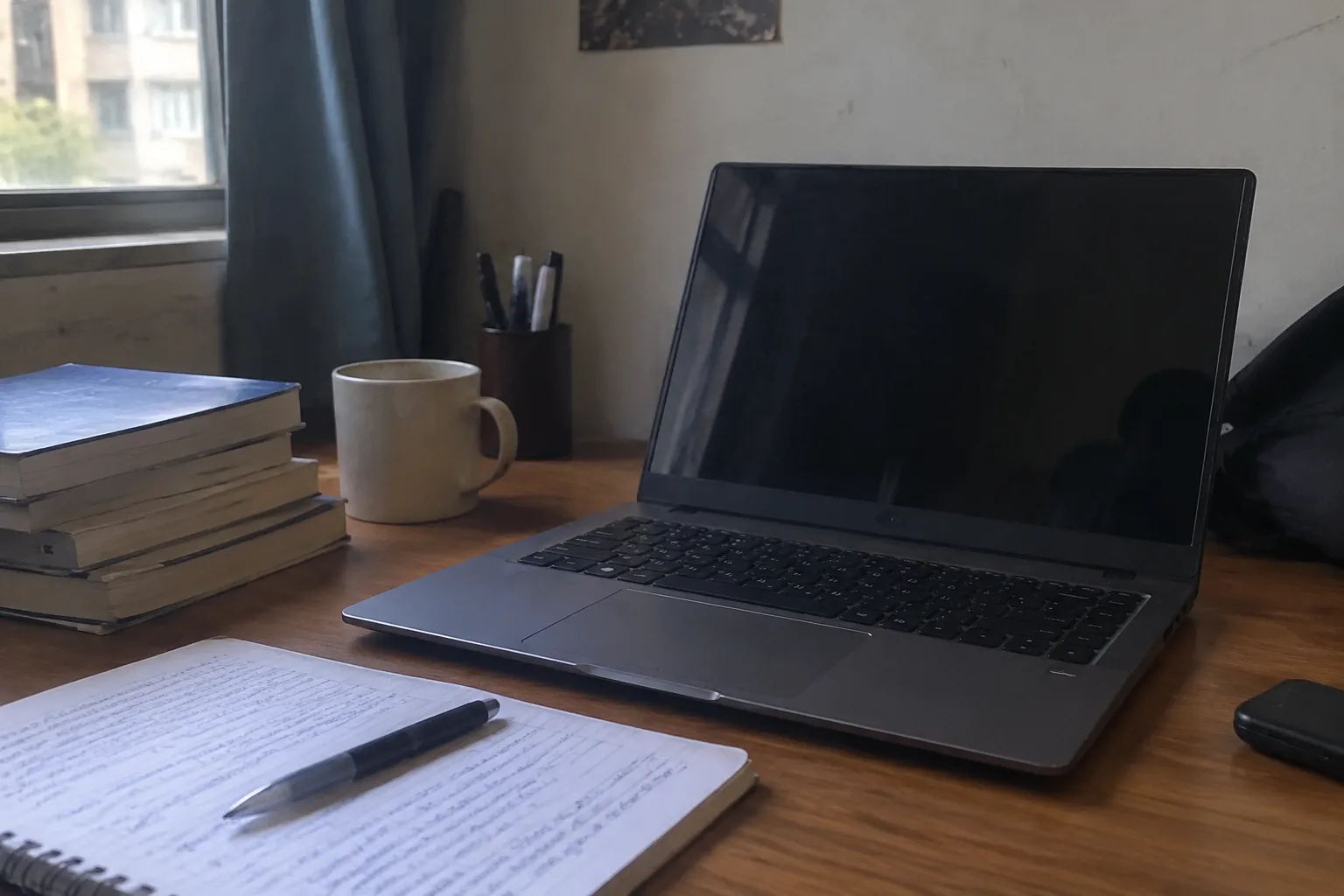
The laptop a student carries to college in 2025 is, for most families, the second-largest purchase of the freshman year after tuition and housing. It is also the one purchase most likely to be decided badly, in a panic, in the third week of August, by a parent and a teenager standing in a big-box store with a list of requirements nobody quite understands. The result is usually one of two failures: a machine far more powerful than any four years of coursework will ever need, or a machine that dies quietly in the middle of a sophomore-year lab report.
There is a middle path, and it is narrower than the advertising suggests. It runs through a handful of specific decisions, most of which get made before the laptop is even chosen.
The major is the first thing to look at, not the last
A laptop for a literature student and a laptop for an architecture student are almost different species of object. The literature student needs a keyboard that survives four years of essay writing, a screen that does not punish the eyes at 2 a.m., and enough battery to get through a double seminar without hunting for an outlet. The architecture student needs a discrete graphics card, serious cooling, and a screen color-calibrated enough that a rendering does not look subtly wrong in a portfolio review.
Engineering, computer science, and design programs often publish a recommended hardware spec on a department webpage. These documents are frequently out of date by a year or two, but they are still the single most useful starting point, because they tell a family roughly where on the performance curve the department expects students to sit. A student in a program without such a page should email the department adviser and ask. The reply, even a vague one, is worth more than a salesperson's opinion.
The rest of the humanities and social sciences, plus most business and pre-med tracks, need very little. A mid-range processor, 16 gigabytes of memory, and a decent solid-state drive will handle nearly everything those programs ask for.
The RAM number that actually matters
Sixteen gigabytes of memory is the floor for a laptop expected to last four years. Eight gigabytes is still sold on plenty of budget machines, and it is the most common quiet mistake a family makes. The laptop boots, opens a browser, runs a word processor, and feels fine for the first semester. Then the browser tabs accumulate, a statistical package gets installed, a video call runs in the background, and the machine starts swapping memory to the drive. The fan spins up, the cursor stutters, and the student concludes the laptop is broken. It is not broken. It is out of headroom.
Thirty-two gigabytes is overkill for almost every undergraduate, with the exception of students doing serious video editing, running local machine-learning models, or working with very large datasets. Spending the extra money on more memory than needed is one of the few places where the upgrade genuinely does not pay back.
The storage trap in the base models
A 256-gigabyte drive is the other quiet mistake. The operating system alone eats a large chunk of that before any software is installed. Add a few applications, a semester of documents, a photo library, and a game or two, and the drive is full by the end of freshman year. A full solid-state drive degrades in performance as it fills, so the laptop gets slower exactly when the student needs it most.
Five hundred twelve gigabytes is the sensible minimum. Some laptops let the drive be upgraded later, but many modern thin machines solder the storage to the board, so the choice made at purchase is the choice for four years. The upgrade from 256 to 512 gigabytes usually costs less than a hundred dollars at the point of sale. Buying it later, on a soldered machine, is impossible.
Where the money should not go: the graphics card
Discrete graphics cards are the single biggest line item on a laptop spec sheet, and for most students they are wasted money. A dedicated GPU adds several hundred dollars to the price, drains the battery, adds weight, and generates heat that forces the cooling system to work harder. Unless a student is in a program that explicitly requires one (architecture, animation, game design, some engineering disciplines) or plays demanding games, integrated graphics are entirely sufficient.
The money saved by skipping the GPU is better spent on memory, storage, and a better screen. Those three upgrades affect every hour of use. A graphics card affects a handful of specific tasks.
The screen is used more than any other component
A student will look at the laptop screen for thousands of hours. It deserves more attention than it usually gets. A 13-inch screen is portable but cramped for anything involving two documents side by side. A 15-inch screen is more comfortable but adds weight to a backpack carried across a large campus. The 14-inch range is the compromise most manufacturers have settled on, and it is a reasonable one.
Resolution matters less than brightness and panel type. A dim, low-quality panel makes reading and writing unpleasant in a way that is hard to articulate and easy to feel. An IPS panel with decent brightness (around 300 nits or better) is worth seeking out. A glossy screen looks vibrant in a store and turns into a mirror in a library with overhead lights. A matte finish is the safer choice for a machine that will be used in classrooms, cafes, and dorm rooms with unpredictable lighting.
Battery life and the campus reality
College campuses are full of outlets, and they are also full of students hunting for them. A laptop that genuinely lasts eight hours of mixed use changes the shape of a day. It can go to a morning lecture, a library session, and an afternoon seminar without a charge. A laptop that lasts four hours ties its owner to a wall socket and turns every study session into a search for real estate near an outlet.
Manufacturer battery claims are optimistic by roughly a third. A laptop advertised at 12 hours will realistically deliver seven or eight. Reviews that measure actual battery life under realistic conditions are more useful than the spec sheet. A machine in the eight-to-ten-hour real-world range is the sensible target.
The refurbished question
A manufacturer-refurbished laptop, bought directly from the maker with a proper warranty, is one of the best values in this category. A two-year-old business-class machine, originally sold to a corporation for four figures, can be had for a few hundred dollars with a fresh battery and a clean install. These machines tend to be more repairable, more durable, and better built than the consumer models at the same price.
The catch is that refurbished shopping rewards knowledge. A buyer needs to know which generation of processor is recent enough, which models have soldered memory, and which warranties actually cover the machine. For a family willing to spend an evening on research, the savings can be substantial. For a family that wants to walk into a store and walk out with a box, the new-machine route is simpler.
The warranty and repair calculus
Laptops break in college. They get dropped, spilled on, sat on, and shoved into backpacks already full of textbooks. A standard one-year warranty covers manufacturing defects and almost nothing else. An accidental-damage plan, sold as an add-on, costs somewhere between fifty and two hundred dollars depending on the machine and the term.
For a machine carried daily by a teenager, the accidental-damage coverage is usually worth it. A single screen replacement on a modern laptop can cost several hundred dollars, often more than the plan itself. The math is straightforward: if the plan costs less than a single likely repair, and the machine is likely to need one, the plan earns its price. For a machine that stays on a desk, the plan is less necessary.
The operating system decision is mostly about the department
Windows machines cover the widest range of software, including the specialized programs some engineering and business courses require. Macs are common in creative fields, and some design and film programs assume them. Chromebooks are cheap, light, and durable, but they cannot run the full desktop software that many majors eventually require.
A student who is unsure of a major should lean toward Windows, simply because it is the safest default across the widest range of programs. A student committed to a creative field where the department expects Macs should buy a Mac, and should look at the education pricing and refurbished options to soften the cost. The operating system is a compatibility decision, not a personality one.
The weight and the backpack test
A laptop is carried more than it is used. A machine that weighs five pounds feels fine in a store and becomes a burden after the third week of walking across a large campus. The difference between three pounds and five pounds is small on a spec sheet and enormous on a shoulder.
The practical test is to put the laptop in a backpack with a couple of textbooks and walk around the store for ten minutes. Most stores will allow this. The machine that feels fine on a display stand can feel very different on a shoulder. A student who plans to carry the laptop every day should weight portability heavily. A student who mostly uses it at a desk can tolerate a heavier machine with a bigger screen.
The August panic and the machine bought in July
The worst laptop decisions get made in the last two weeks of August, when the back-to-school sales are loud, the shelves are picked over, and the pressure to just buy something is highest. The families that come out ahead tend to buy in June or early July, when the previous year's models are being discounted to make room for the new ones and the sales staff have time to answer questions.
A laptop bought in early July, with a week spent reading reviews and checking the department's spec page, will almost always be a better machine for the money than one bought in a hurry in late August. The savings are real, and so is the difference in how well the machine fits the student who will carry it for four years.


