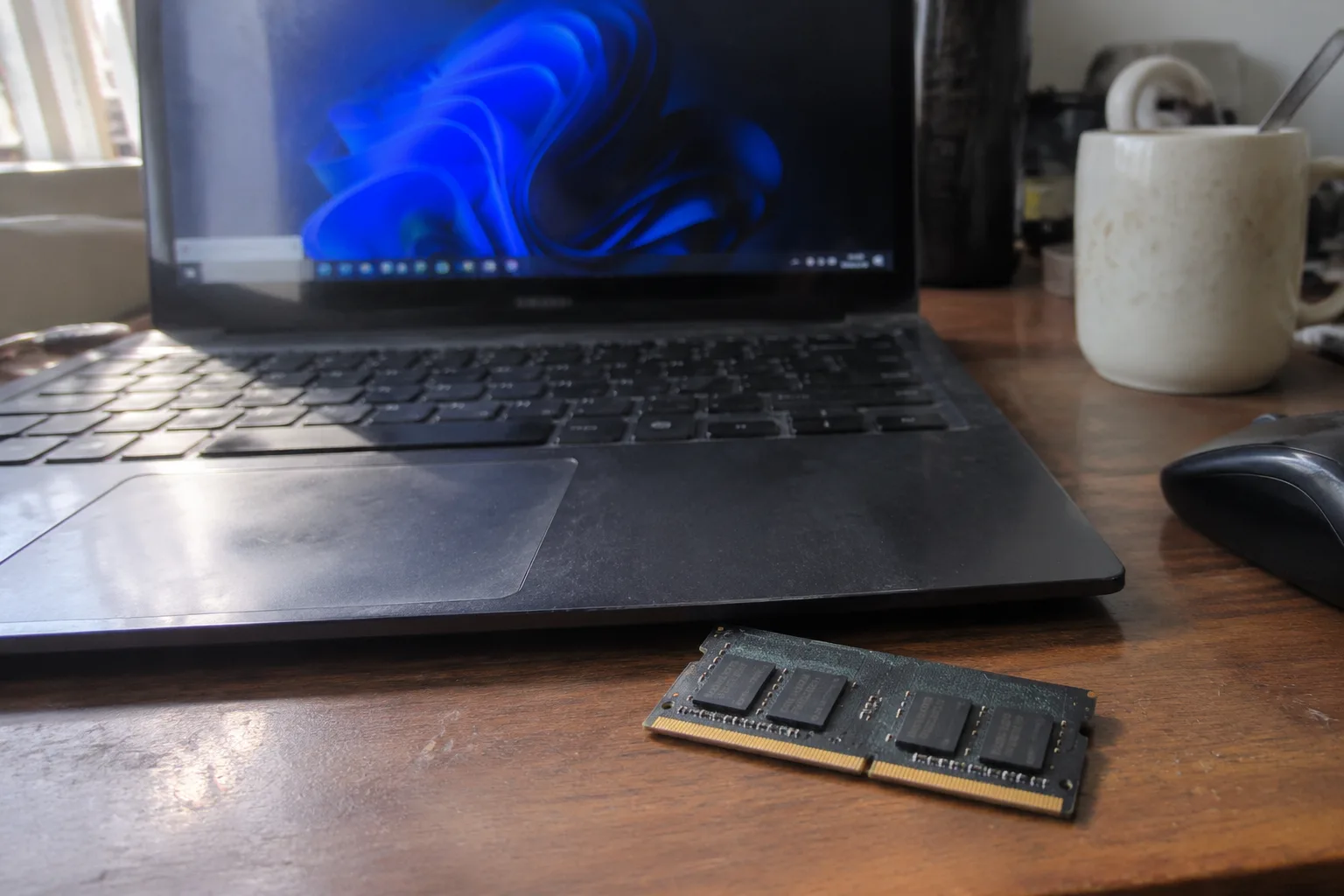
Eight gigabytes is the number that shows up on the cheapest laptops and the most common office desktops, and it is the number most people never think about until a browser tab freezes. It has been the comfortable default for a decade, and it has quietly stopped being comfortable. The question of how much memory an ordinary person needs is not really a question about hardware. It is a question about what a normal Tuesday evening of screens actually costs in bytes, and how much headroom is left when the machine decides to update itself in the background.
The short answer, stated plainly: 16 gigabytes is the right amount for most people buying a computer today, 8 is the floor that will feel tight within a year or two, and 32 is a waste of money for anyone who does not edit video or run virtual machines. That is the verdict. The rest of this piece is the reasoning, because the reasoning is where the useful detail lives.
What memory actually does while a browser is open
Random access memory holds the working state of everything currently running. The operating system sits in it. So does every open application, and so does every tab in a browser. When the machine runs out, it starts shuffling data to the drive, which is orders of magnitude slower, and that shuffle is what a person experiences as a stutter, a spinning cursor, or a fan that suddenly sounds like a hair dryer.
The browser is the quiet heavyweight. A single tab running a modern web app, a chat client, a video call, or a social feed with autoplaying media can hold a few hundred megabytes on its own. Open a dozen tabs, keep a mail client and a music player running, and the total climbs past 4 gigabytes before any real work begins. The operating system and its background services take another 2 to 3 gigabytes on a typical Windows machine. That arithmetic leaves very little room inside an 8 gigabyte machine, and the moment a video call starts, the swap file begins its work.
This is why the complaint often arrives in a specific shape. The laptop was fine for two years. Now it hesitates when switching between a spreadsheet and a browser. Nothing was installed, no virus was found, and the drive still has space. The machine did not get slower. The software got heavier, and the memory budget stopped covering it.
The case for 8 gigabytes in 2024 and why it is closing
There is a real argument for 8 gigabytes, and it deserves a fair hearing. For a machine used for one thing at a time, a document, a browser window, a video, 8 gigabytes is enough. A cheap Chromebook with 8 gigabytes handles a student's essay and a video lecture without complaint. A secondary desktop in a kitchen, used for recipes and email, does not need more. The money saved can go toward a better screen or a larger drive, both of which a person notices more often than memory headroom.
The problem is the direction of travel. Applications grow to fill the memory available, and browsers have grown aggressively. What felt generous in 2019 feels adequate in 2024 and will feel cramped by 2026. A machine bought with 8 gigabytes today is a machine that will be asked to run next year's version of the same software on the same budget. The drive can be replaced. The screen cannot. Memory in most laptops is soldered to the board and cannot be upgraded at all, which turns a purchasing decision into a permanent one.
That soldered detail is the strongest argument in the whole debate, and it is usually buried. On a desktop, adding memory later is a five minute job and a modest expense. On a thin laptop, it is impossible. The buyer who saves forty dollars on 8 gigabytes is not saving forty dollars. They are accepting a ceiling.
Who genuinely needs 32 gigabytes and who is paying for a badge
The other end of the scale attracts its own kind of buyer. A person who edits 4K video, runs several virtual machines, works with large photo libraries, or compiles software for a living will feel 16 gigabytes as a bottleneck and should buy 32 without agonizing. Those workloads hold enormous data sets in memory at once, and the difference shows up as minutes saved on every export.
For everyone else, 32 gigabytes is a number on a specification sheet that will never be touched. A browser, a spreadsheet, a video call, and a music player together do not come close to filling it. The extra money would do more for the experience spent on a brighter display, a faster drive, or simply not spent at all. There is a particular kind of buyer who equates the largest number with the best machine, and that buyer is overpaying for peace of mind they could get from a clear explanation of what the number means.
The honest test is to look at what is already on the machine. A person who opens a task manager during a normal busy afternoon and sees memory usage sitting near 70 percent of 8 gigabytes is a person who needs 16. Someone whose usage never climbs past half of 16 does not need 32.
Why the operating system changes the answer
Windows and macOS do not carry the same weight. A clean Windows installation with its background services, update processes, and security software typically occupies more memory at idle than macOS does on comparable hardware. A Windows machine with 8 gigabytes feels the squeeze first, and a Windows machine with 16 feels comfortable for longer. A Mac with 8 gigabytes of unified memory behaves somewhat differently because the operating system and the graphics share the same pool, but the ceiling is still a ceiling, and the modern Mac lineup solders it in place.
This is why advice that ignores the platform is close to useless. The same 8 gigabytes that feels fine on a lightweight Linux desktop feels tight on Windows. The buyer should match the memory to the software that will actually run on top of it, not to a general rule from a forum post written five years ago.
The upgrade path that most buyers overlook
Desktop owners have an advantage that laptop owners do not, and it changes the calculation entirely. A desktop with two memory slots and 8 gigabytes installed can be brought to 16 for the price of a modest dinner, and to 32 for not much more. For that buyer, starting at 8 and upgrading later is a perfectly rational plan, provided the motherboard supports the larger modules and the slots are not all occupied by tiny sticks.
The catch is the configuration. Many prebuilt desktops ship with a single 8 gigabyte stick, which runs in single channel mode and leaves performance on the table. Two matched sticks of 8 gigabytes outperform one stick of 16 in most everyday work, and the buyer who plans to upgrade later should check how many slots the machine has and what is already in them. A little attention at purchase saves a frustrating afternoon later.
A practical way to decide in the store
The decision does not require benchmarks. It requires an honest inventory of the way the machine will be used. A person who works in a browser all day, keeps a dozen tabs open, and joins video calls should buy 16 gigabytes and stop thinking about it. A person who uses one application at a time and treats the computer as an appliance can buy 8, provided the price difference is real and the machine is not expected to last five years.
A student buying a laptop for four years of school should buy 16. The software only gets heavier, the tabs only multiply, and the soldered memory cannot be changed later. A parent buying a second machine for the kitchen can buy 8 and save the money. A gamer should check the requirements of the specific titles that matter, because some modern games recommend 16 and a few push toward 32, and the difference shows up in load times and texture pop-in rather than in frame rate.
The number that will matter in three years
Memory requirements drift upward with each software generation, and the drift has been steady for decades. The machine that felt fast with 4 gigabytes in 2015 felt slow with 4 gigabytes in 2020. The same curve is now playing out at 8 and 16. The buyer who wants a computer to remain pleasant for the length of its useful life should buy one tier above what feels necessary today, because the tier below will be the source of the complaint in year three.
There is a version of this advice that turns into an argument for buying the maximum, and that argument is wrong. The tier above is enough. For most people, that tier is 16 gigabytes, and the money not spent on 32 buys a better screen, a larger drive, or a few years of not thinking about the machine at all. The laptop that opens a browser tab without a pause in 2027 will be the one bought with headroom in 2024, and the headroom costs less now than the replacement costs later.


