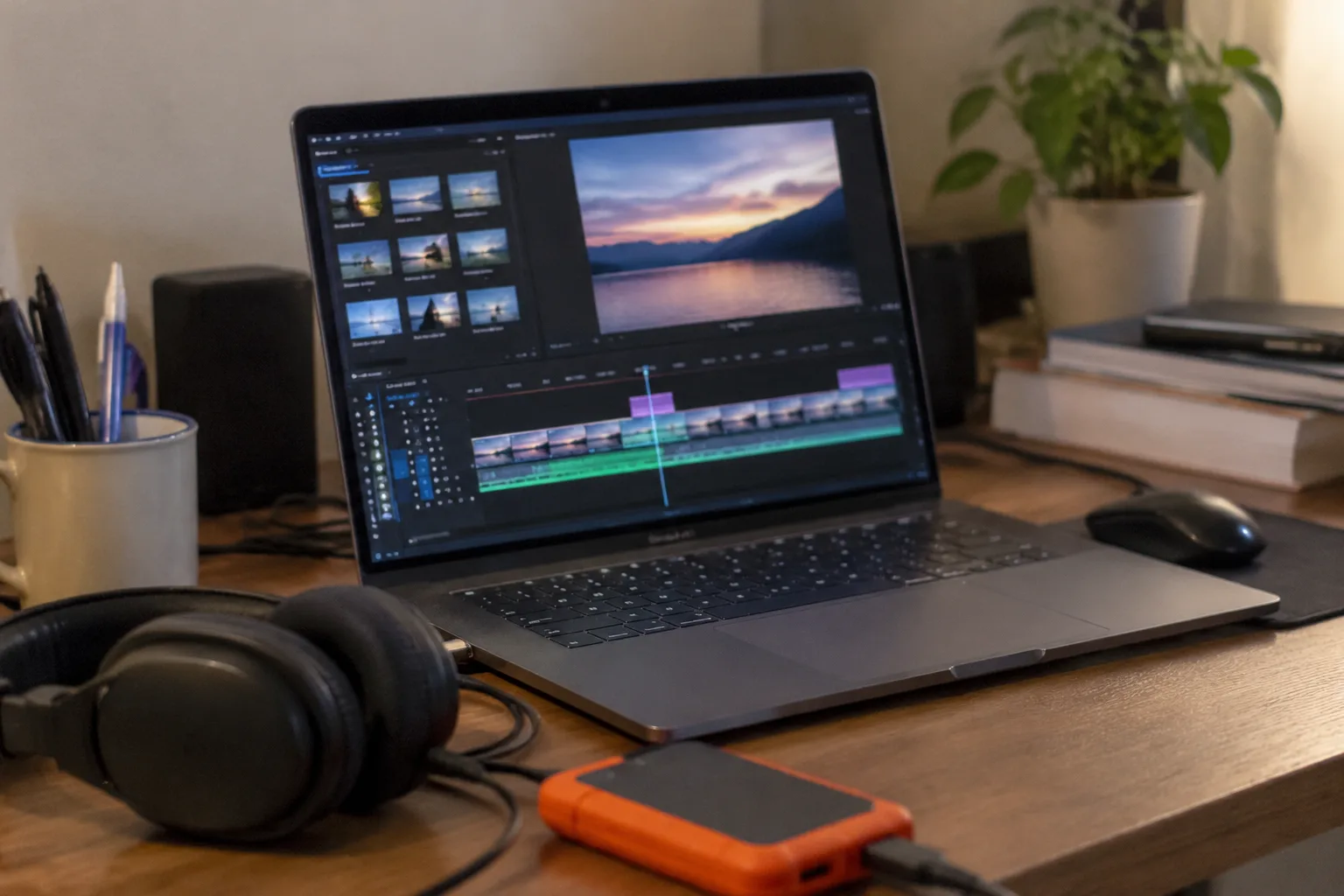
Video editing software is sold with a familiar promise: professional results, faster, with fewer headaches. The trouble starts after checkout. A license that seemed reasonable in the demo turns out to throttle exports. A feature list that reads like a director's toolkit hides the fact that basic color matching takes four clicks and a forum search. These are avoidable traps, and most of them are visible before a single dollar changes hands.
The five mistakes below are common enough to feel like a pattern. They are also specific enough to check for, which is the useful part.
Buying the demo's best moments instead of the daily grind
A demo reel shows the software at its most flattering: smooth footage, a strong soundtrack, a template that produces a satisfying swoop. What the reel never shows is the tenth time a clip has to be trimmed, the import that takes ninety seconds, or the moment the timeline refuses to scrub smoothly because a proxy file was never generated.
Buyers should open the trial, drop in their own messy footage (the phone clips with variable frame rates, the drone footage that needs stabilizing), and then perform a boring task. Cut a three-minute sequence down to ninety seconds. Add a lower third. Change a title's font. The speed of those chores matters far more than the quality of a cinematic template.
The demo is a highlight film. Daily use is a volume business. A feature that looks magical once can be a tax paid on every project.
Ignoring how the software handles mixed footage
Modern editing means juggling mismatched sources: a mirrorless camera shooting 10-bit log footage, a phone shooting HDR, a screen recording at a different frame rate. The most common second mistake is buying software that handles only the clean case.
The test is simple. Load footage from more than one device into the trial. Mix a 24 fps clip with a 30 fps clip on the same timeline. Bring in a high dynamic range phone clip and see whether the color looks like the original or like a washed-out photocopy. Check how long a transcode takes, because some editors quietly convert every file to a house format, and that conversion can eat an afternoon.
An editor that struggles with mixed sources will not announce the problem. It will simply make each project slower, and the buyer will blame the camera or the computer.
Paying for a feature tier that never gets used
Editing suites love tiered pricing. The middle tier is usually the one with the sensible feature set; the top tier adds multi-cam editing, advanced color tools, motion graphics, and audio cleanup. The gap between tiers is often double the price.
The mistake is buying the top tier because "eventually" it will be needed. Eventually is a long time. A vlogger who cuts single-camera footage weekly will never touch multi-cam. A documentary editor who works alone will rarely need team collaboration seats. The better move is to pick the tier that covers the current workflow plus one modest stretch, then upgrade later if a real project demands it. Upgrade paths exist for a reason, and some vendors prorate them.
There is a subtler version of this error: buying the tier that includes a huge stock library or template pack, then discovering the license terms forbid use in monetized videos or cap downloads to a handful per month. Tiers that bundle content deserve a look at the fine print.
Overlooking export and delivery costs
The export button is where software economics get honest. Some editors charge nothing to export. Others restrict the free tier's exports to a watermark or a resolution cap, and some charge per export or meter cloud rendering by the minute.
Before buying, a shopper should export a real project at the settings a real client would want: 4K if the footage supports it, a high bitrate, a format that matches the delivery platform. If the export takes longer than the edit itself, or if the price jumps when the resolution does, that belongs in the buying decision.
Cloud rendering is the newer wrinkle. It sounds convenient, and for long projects it can be, but per-minute pricing adds up fast for anyone exporting weekly. The cost of an editor is the subscription plus the exports plus the storage, and only the first of those is usually advertised.
Choosing for the software instead of the hardware it runs on
Editing software is only half a tool; the other half is the machine. A buyer can pick the best-reviewed editor on the market and still have a miserable time if the laptop has 8 GB of RAM, no discrete graphics, and a fan that sounds like a departing flight.
Before committing, check the software's official system requirements, then check reviews for real-world performance. Some editors lean heavily on the GPU; others are CPU-bound and punish older machines. Some have excellent proxy workflows that make weak hardware usable; others do not.
The hardware question also applies to the ecosystem: whether the software runs well on the operating system in use, whether it syncs with the phone, whether it plays nicely with the camera's native codec. A great editor that fights the existing gear is a bad purchase.
Reading the cancel-and-refund terms after the money leaves
The fifth mistake is procedural, and it is the one that stings longest. Subscription software often comes with refund windows measured in days, not weeks. Annual plans may auto-renew at full price. Some licenses are tied to a single machine and cannot be transferred cheaply. A few vendors lock projects into proprietary formats that cannot be opened by any other tool.
The last point deserves special attention. If the software writes projects to a format only it can read, quitting the subscription later means losing access to old work or paying for a final export. A buyer should check whether the editor can export to a standard project format (XML, AAF, EDL) or at least render finished files that remain usable. The exit ramp is part of the product.
None of this requires days of research. A trial, a real project, an honest export, and ten minutes with the cancellation policy cover most of the ground. The editor that survives all five checks is rarely the one with the best demo reel. It is the one that makes the unglamorous work, the cutting and the trimming and the exporting, feel like it was designed with the work in mind.


