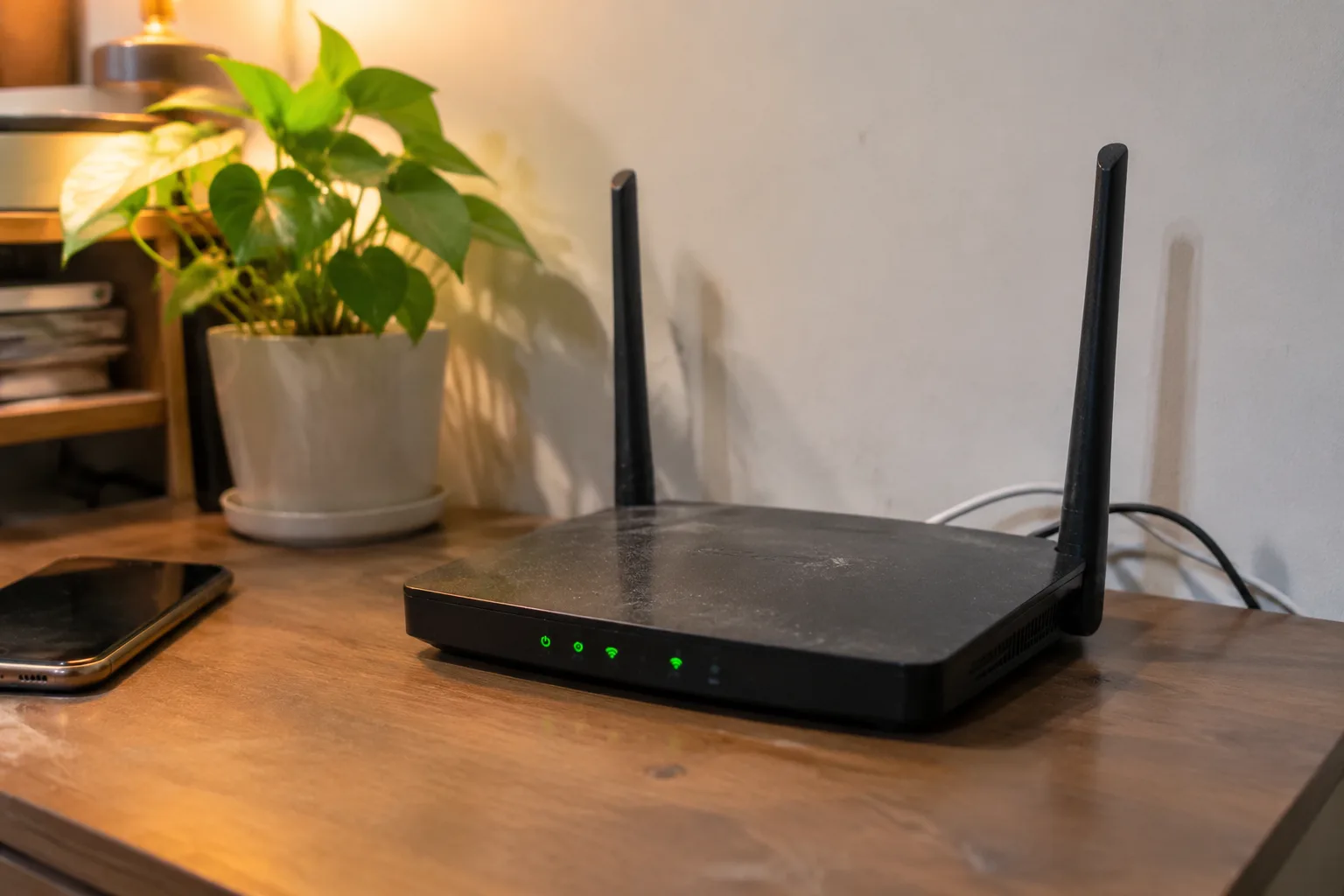
An apartment router has one job that a house router does not: it has to push a clean signal through walls it does not control, past devices it did not install, and across a floor plan it cannot change. The renter cannot drill, cannot move the cable jack, and cannot ask the neighbor to stop running a microwave on the other side of the bedroom wall. Every decision about the router has to be made inside that constraint.
The most common mistake in apartment wireless gear is buying for speed. A box that promises 6 Gbps on the sticker will spend most of its life negotiating with a phone that tops out far lower, through a wall that eats most of the signal anyway. The number on the box describes a laboratory condition. The apartment describes a different one.
The square footage number on the box is a fiction in a dense building
Router packaging loves a coverage figure: "up to 2,500 square feet." That figure assumes open air and a handful of devices. A 700 square foot apartment in a six-unit building can be harder to cover than a 2,500 square foot house on a half acre, because the apartment's signal has to compete with every other router on the same channels. The interference floor in a dense building is the real coverage limit, and no sticker accounts for it.
This is why a cheap router in a quiet suburban house can outperform an expensive one in a crowded apartment block. The building is doing more damage than the hardware can repair. A person shopping for an apartment should read the coverage claim as a ceiling for a perfect world, then discount it hard.
Wi-Fi 6 earns its keep in crowded air, not in raw throughput
The upgrade that matters for apartment living is Wi-Fi 6 (802.11ax), and the reason is not speed. Wi-Fi 6 handles many devices and many overlapping networks more gracefully than Wi-Fi 5 did. It schedules transmissions so that a dozen nearby routers and a couple dozen gadgets do not all shout over each other quite so badly. In a building where the 2.4 GHz band is a wall of competing signals, that scheduling is the difference between a video call that holds and one that stutters every ninety seconds.
Wi-Fi 6E adds the 6 GHz band, which is cleaner because fewer neighbors are on it yet. That cleanliness is temporary. Apartments fill up with 6E gear the same way they filled up with 5 GHz gear, and the advantage erodes. For a renter signing a two-year lease, 6E is a reasonable hedge. For someone who replaces routers every five years, it is close to mandatory. The band is the scarce resource.
A mesh system is usually the wrong purchase for a one-bedroom
Mesh kits sell a fantasy of seamless coverage, and in a large house with a dead upstairs hallway they deliver. In a one-bedroom apartment they mostly add nodes that talk to each other across a space a single good router already covers. Each extra node is another radio competing for the same air, and the backhaul between nodes eats bandwidth the apartment does not have to spare.
A single well-placed router beats a three-pack in most apartments under about 1,000 square feet. The exception is an apartment with a long, narrow layout or a thick masonry wall between the living room and the bedroom, where one router genuinely cannot reach. In that case two nodes, not three, placed at the two ends of the run, do the job.
Placement does more than most people expect, and renters have fewer options
The cable jack is where it is. In many apartments it sits in a corner of the living room, low on the wall, behind a couch. That is close to the worst place for a router: low, cornered, and boxed in by furniture and drywall. Signal radiates outward and slightly down from most antennas, so a router on the floor loses range to the rooms it needs to reach.
The renter's move is a long Ethernet cable and a command strip. Run the cable along the baseboard to a shelf or the top of a bookcase, ideally central to the apartment and off the floor. A router at chest height in the middle of the unit will outperform the same router in a corner behind a sofa by a margin that surprises people. Command strips and cable clips cost less than a mesh node and do more.
Metal is the enemy. A router tucked inside a metal media console or behind a steel-fronted appliance loses most of its signal. So does one placed next to a mirror or a fish tank. The apartment's furniture layout is often fixed, but the router's perch is not.
The 2.4 GHz band is a shared hallway, and everyone is shouting
Most apartment Wi-Fi problems live on 2.4 GHz, the band that reaches farthest through walls and is therefore the most crowded. Every neighbor's router, every smart plug, every baby monitor, and every microwave oven sits on or near it. The band has three non-overlapping channels in the United States (1, 6, and 11), and in a dense building all three are usually occupied by several networks apiece.
A router that lets the user pick a channel manually, or that scans and picks a clean one automatically, is worth more in an apartment than one with a bigger antenna. The 5 GHz band has far more channels and far less crowding, but it penetrates walls poorly. The practical result is that devices close to the router should be pushed onto 5 GHz, and the far bedroom may have to live on 2.4 GHz no matter what.
Ethernet ports and a switch solve problems Wi-Fi cannot
The most reliable apartment network is partly wired. A desktop, a game console, and a television that streams can all be plugged in, which removes them from the wireless contention entirely and frees airtime for phones and laptops. A router with at least three or four LAN ports, plus an inexpensive unmanaged switch if more are needed, turns a shaky apartment Wi-Fi into a stable one for the devices that sit still.
Renters often overlook this because the apartment came with no wiring beyond the one coax or Ethernet jack. A flat Ethernet cable can run under a rug or along a doorframe without drilling. It is ugly for a weekend and invisible after a month. The devices that never move deserve a cable.
The router the landlord supplied is a known quantity, and usually a weak one
Many apartment buildings bundle internet and supply a router as part of the deal, often an older model with a locked-down admin page. These units are chosen for cost and manageability, not performance, and the tenant usually cannot change the channel, update the firmware, or add a mesh node. The result is a network that works well enough to check email and fails under a video call or a game.
The fix is to put the supplied router into bridge mode if the building allows it, or to connect a personally owned router to it and let the good hardware do the routing. The building's router becomes a modem, and the apartment's own router handles Wi-Fi. This is the single highest-leverage change a renter can make, and it costs one router instead of a whole new internet plan.
Firmware updates and a reboot schedule are part of the hardware
A router is a small computer, and like any computer it benefits from current software. Cheap routers sometimes stop receiving security updates after a couple of years, which in a shared building is a real exposure. A model from a manufacturer with a public track record of patching, and a settings page that makes updating easy, is worth a few dollars more than the cheapest box on the shelf.
The other habit is a scheduled reboot, weekly or so, ideally at a time when nobody is on a call. Apartment routers handle more interference and more reconnect churn than house routers, and their memory fills up with stale connections. A reboot clears that. Many routers offer a schedule in the admin page; the ones that do not can be put on a cheap smart plug that cycles power at 4 a.m.
The purchase that fits a lease, not a lifestyle
A renter's router should be bought for the apartment that exists now: the square footage, the wall material, the jack location, and the number of neighbors on the same channels. That usually points to a single Wi-Fi 6 or 6E router with a clean admin page, three or four Ethernet ports, and a manual channel selector, placed at chest height near the center of the unit on a long cable. A mesh kit, a gaming router with eight antennas, or a top-of-the-line model with features nobody will configure are all money spent on the wrong problem.
When the lease ends, the router goes in a box and moves to the next apartment, where the walls and the neighbors will be different and the same modest, well-placed hardware will probably still be enough. The building changes. The lesson about interference and placement does not.


