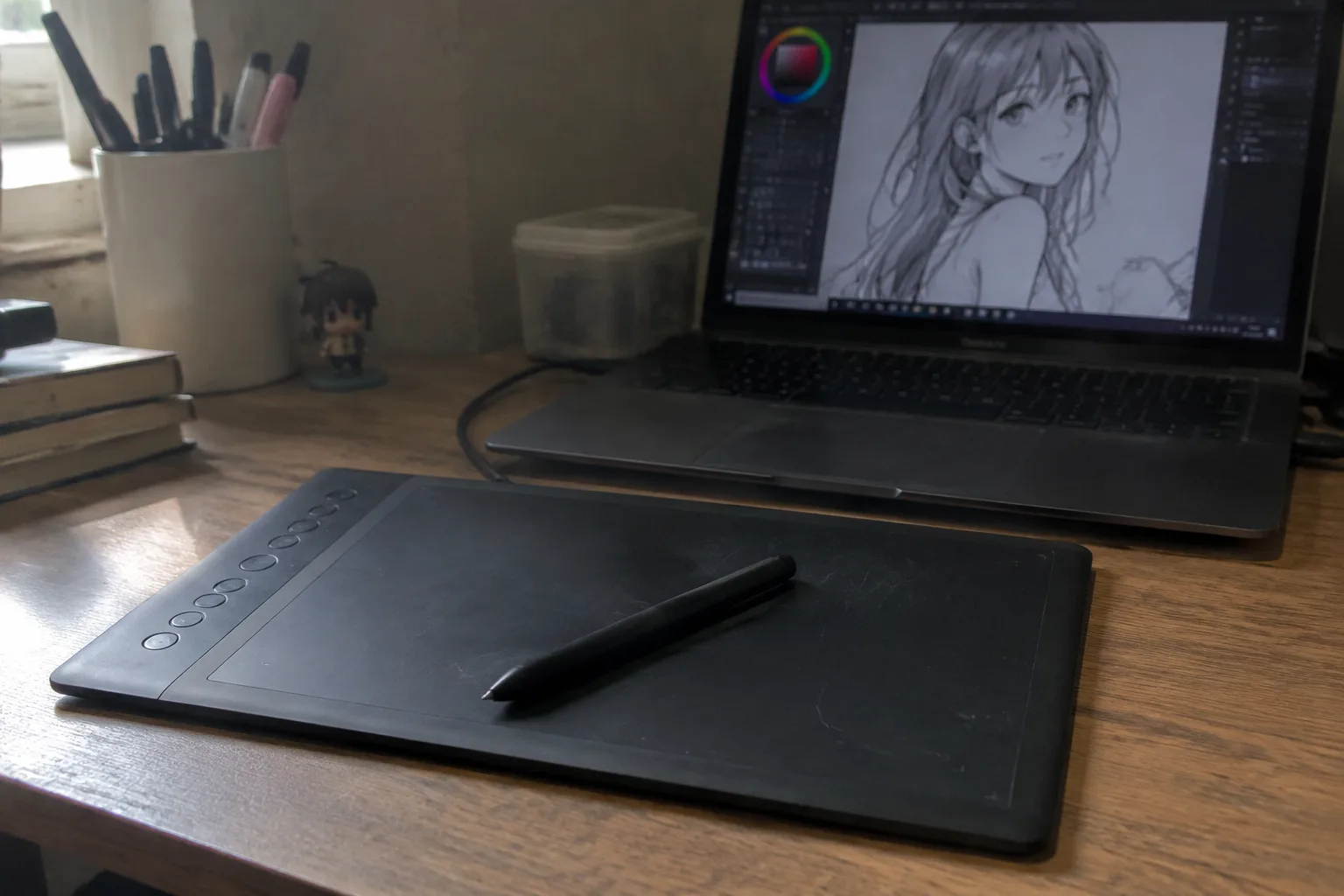
Pressure sensitivity is the number printed largest on the box, and it is the least useful number on the box. A tablet advertising 8,192 levels sits next to one advertising 4,096, and the spec sheet makes the first look twice as capable. In practice, almost nobody drawing at a desk can feel the difference between them. The hand is not a laboratory instrument. What a person feels is whether the line starts when the pen touches down, whether it thickens smoothly when pushed, and whether it tapers when lifted. Those qualities come from the sensor, the driver, and the pen tip working together, and a well-tuned 4,096-level tablet beats a sloppy 8,192-level one every time.
Budget drawing tablets have gotten genuinely good. A screenless pad that costs less than a nice dinner can now track a pen accurately enough for professional line art. That has made the buying decision harder, because the marketing copy has not gotten more honest. The specifications that decide whether a tablet feels good in the hand are buried under specifications that exist to fill a comparison table. Sorting one from the other is most of the work.
Active area is the spec that shapes the drawing
An active area of 6 by 4 inches is cramped. The wrist runs out of room before the arm does, and long strokes have to be broken into pieces or zoomed, which ruins the flow of a line. An 8 by 5 inch area, roughly the size of a small paperback, is the practical floor for anyone who wants to draw with the whole arm rather than the fingers. A 10 by 6 inch area is comfortable for most desks.
This number matters more than resolution, more than pressure levels, and more than most of what appears on the front of the box. A tablet with a generous active area and modest internals will feel freer than a cramped tablet with impressive internals. The hand notices the edges of the drawing surface constantly. It notices pressure levels almost never.
Lamination and parallax on display tablets
For tablets with a built-in screen, the gap between the pen tip and the line it draws is called parallax, and it is the single biggest tell of a cheap display tablet. On an un laminated panel, the glass sits a couple of millimeters above the actual LCD, and the line appears slightly offset from the tip, worse toward the edges. The eye adjusts, but the adjustment costs concentration that should go to the drawing.
Fully laminated screens close that gap. The glass and the display are bonded together, so the tip sits nearly on the ink. Budget display tablets have started offering lamination in the last few years, and it is worth paying for when the option exists. A laminated 1080p panel beats an un laminated higher-resolution one for drawing comfort, because resolution does not fix a floating pen tip.
Resolution figures that exceed the eye
Screenless tablets advertise lines of resolution in the thousands, usually 5,080 or 10,000. These numbers describe how finely the sensor reads pen position, and past a certain point the hand cannot detect the difference. A 5,080-line tablet already tracks smoothly enough that jitter is invisible at normal drawing speeds. The higher figure sells to the spec sheet, not to the wrist.
A related number, report rate, is more honest about feel. Measured in readings per second, it decides how closely the cursor keeps up with a fast stroke. Rates around 200 per second are standard and fine. Budget tablets that push higher tend to do so at the cost of something else, often stability. A steady 200 beats an erratic 266.
Tilt support changes how a pencil feels
Tilt recognition lets the tablet read the angle of the pen, so shading with the side of the nib widens the stroke the way a real pencil does. It is the feature that makes a budget tablet feel like a drawing tool rather than a signature pad. Most current budget models include it. Older or cheaper ones sometimes do not, and the omission is easy to miss in the spec list because it appears as a single line: tilt support, yes or no.
For anyone who shades, sketches loosely, or works in a painterly style, tilt support earns its place well above the pressure-level count. A tablet with tilt and 4,096 levels will outdraw one with no tilt and 8,192.
The pen is half the tablet
Battery-free pens, usually powered by electromagnetic resonance, are the standard on budget tablets and the right choice. They are light, they never need charging, and they last for years. A pen that takes a battery, especially a disposable one, adds a running cost and a failure point that shows up at the worst moment, mid-session, when the line stops responding.
Nib quality gets almost no attention in reviews, yet it decides the texture of every stroke. A hard plastic nib skates over the surface; a slightly softer one gives a whisper of friction that makes control easier. Budget tablets often ship with a handful of spare nibs, and the difference between a fresh nib and a worn one is larger than the difference between most pressure sensitivities. Replacing a flattened nib costs little and revives a tablet more than any setting.
Driver support outlasts hardware specs
A tablet is a piece of software as much as a slab of plastic. The driver decides whether the pen works in a given program, whether pressure works in that program, and whether the tablet survives the next operating system update. A budget tablet from a company with a long record of driver updates is worth more than a slightly better-specified one from a brand that abandons its older models.
The failure mode is quiet and infuriating. A tablet that worked perfectly for two years stops registering pressure after a system update, and no amount of reinstalling fixes it because the manufacturer stopped writing drivers. Checking whether a brand still supports models from four or five years ago is a better use of research time than comparing resolution figures.
Wireless and shortcut keys are conveniences, not necessities
Bluetooth connectivity on a budget tablet is usually a compromise. It adds latency, drains the battery faster, and occasionally drops the connection mid-stroke. A wired USB connection is more reliable and, on most budget models, the better default. Wireless is worth having as a backup, not as the primary way to work.
Programmable shortcut keys and a scroll wheel are genuinely pleasant once a person has learned to use them, but they are not the reason to choose one tablet over another. A keyboard and a mouse already handle shortcuts. The express keys save a hand movement, not a workflow.
Build quality shows up in the corners
Budget tablets cut costs somewhere, and the honest place to cut is the casing, not the sensor. A plastic body with a slight flex is fine. What matters is whether the surface stays flat, whether the edges are comfortable under a resting wrist, and whether the tablet slides around on the desk. Rubber feet and a flat surface do more for drawing comfort than an aluminum shell.
The corners are where cheap construction reveals itself. A tablet that rocks slightly on a flat desk will annoy the hand for the entire life of the device. Checking for wobble before committing to a model is a two-second test that no spec sheet covers.
A shortlist that ignores the marketing
The specifications worth checking, in order: active area of at least 8 by 5 inches, tilt support, a battery-free pen with spare nibs, a manufacturer with a visible driver update history, and a flat, stable body. On display tablets, add full lamination near the top of the list. Pressure levels above 4,096, resolution past 5,080 lines, and report rates above 200 are almost always noise.
Budget drawing tablets have reached the point where the cheap ones are good enough for serious work. The gap between a budget tablet and a premium one has narrowed to comfort and durability, not capability. A person who buys on active area, tilt, pen quality, and driver support will end up with a tablet that disappears under the hand, which is the only compliment a drawing tool should want.


