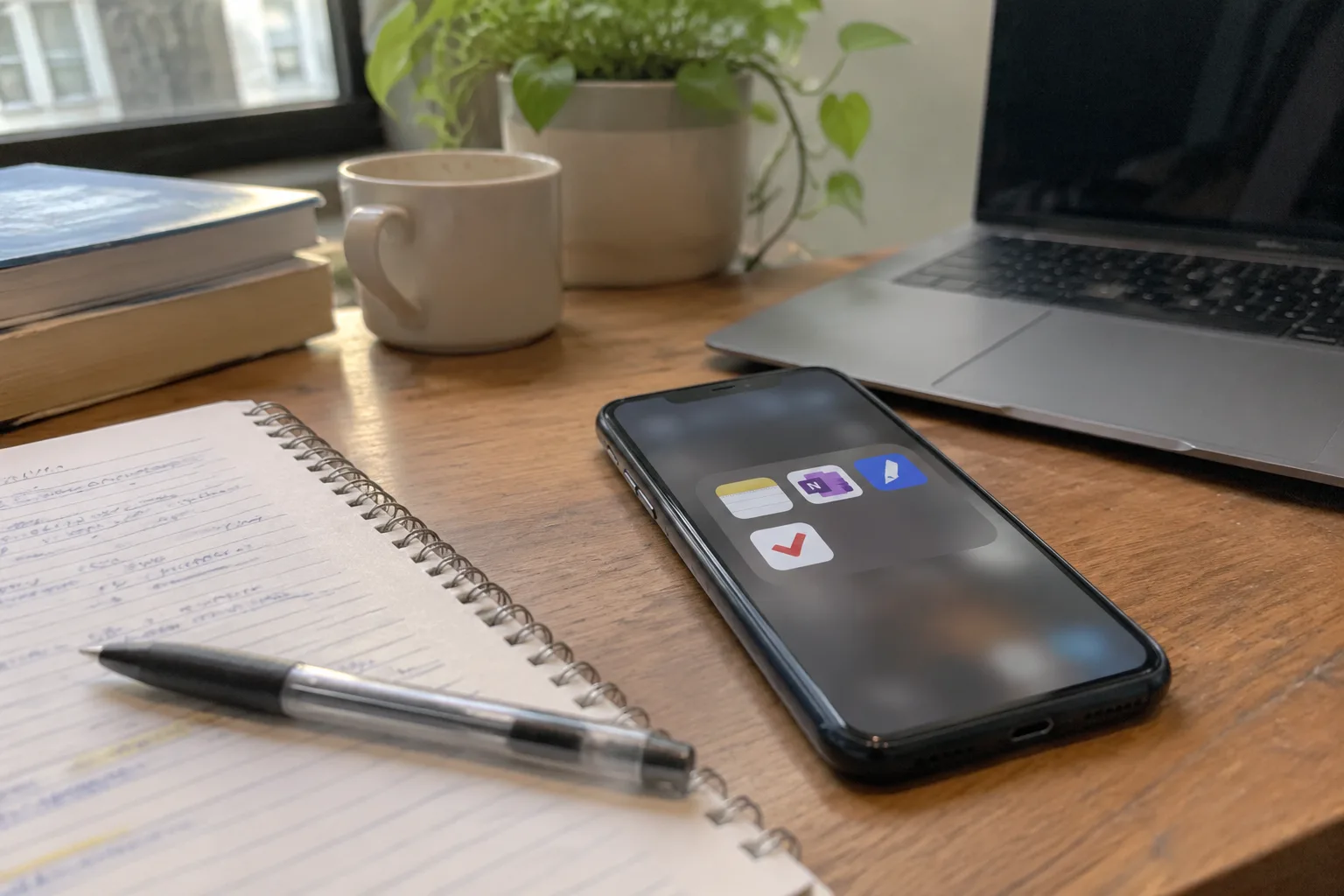
Free note apps carry a hidden tax, and it is usually paid in the third week of a semester. The first week feels fine. The second week the app is still fast. By the third, a student has 400 photos of whiteboards, a folder of PDFs nobody named, and a search bar that returns nothing useful because the notes were never really text in the first place. The budget question, for students, is rarely about the subscription price. It is about how much time the free tier quietly eats.
Most note-taking apps now sell the same three things: sync, storage, and handwriting recognition. A student with a laptop, a phone, and a tight budget needs a surprisingly small slice of that. The real sorting question is simpler. Does the app let a person capture a lecture fast, find it later, and export it without a paywall slamming down mid-sentence?
Obsidian's Free Tier Is Generous, and Its Learning Curve Is Real
Obsidian stores notes as plain Markdown files in a folder on the device. That single design choice does more for a broke student than any feature list. The files open in any text editor. They survive the app. If Obsidian disappeared tomorrow, the notes would still be sitting there in a folder called something like "Vault," readable by anything.
The free version is for personal use and works offline. Sync, the official service that pushes notes between devices, is paid. Students who only take notes on one laptop never notice. Students who want the same notes on a phone and a library computer hit the paywall quickly, though the files can be moved manually through a cloud drive folder.
The cost is cognitive. Obsidian rewards tinkering. A first-year student can lose a weekend to plugins, graph views, and folder schemes before writing a single lecture note. The app is best for people who already know they like structured text. For a chemistry student who just wants to type fast and search later, the plugin ecosystem is a distraction dressed as a feature.
Google Keep Wins on Speed and Loses on Depth
Keep opens in under two seconds on a mid-range Android phone. A thought goes in as a checklist, a photo, a voice memo, or a short text note, and it syncs to the Google account most students already have. There is no sign-up friction, no storage limit worth worrying about, and no payment tier waiting to interrupt.
The ceiling arrives fast. Keep has no real outline structure, no backlinks, and a search that works on words but not on meaning. A semester of lecture notes in Keep turns into a long scroll of colored cards. It is excellent for a grocery list and a reading response due Friday. It falls apart as a system for a 12-week course with three exams.
The honest use case is a capture inbox. Keep holds the quick stuff, the photo of a library call number, the reminder to email a professor. Serious notes belong somewhere with structure.
OneNote Is Free and Almost Embarrassingly Complete
Microsoft gives OneNote away on every platform, and the free tier includes 5 GB of OneDrive storage, which is enough for years of typed notes and a modest number of inserted images. The notebook and section structure mirrors how a lot of courses are actually organized: one notebook per semester, one section per class, pages for each lecture.
Handwriting recognition is the sleeper feature. A student with a cheap stylus and a tablet can scribble equations and later search the handwriting as text. That alone justifies the download for anyone in math or the sciences.
The friction is the interface. OneNote's ribbon is crowded, the sync occasionally stalls on a large page, and the mobile app is slower than the desktop version. None of it costs money. All of it costs patience. For a student already inside a Microsoft school account, the integration with Word and Outlook is a genuine convenience.
Notion's Free Plan Is a Trap for Note-Takers and a Gift for Organizers
Notion's personal free plan allows unlimited pages and blocks for a single user, which sounds like everything a student needs. The catch sits in the details. File uploads are capped, version history is limited, and the app is a database tool wearing a notebook costume.
Students who love Notion tend to love it for planning: a course dashboard, a reading tracker, a shared group project page. Those are real wins. As a pure lecture-notes tool, it is slower than Keep and heavier than Obsidian. The block editor is pleasant until a person needs to paste a long PDF excerpt and the formatting collapses.
Notion also requires an internet connection for most operations, which matters in a lecture hall with bad Wi-Fi or a basement study room with no signal. An offline mode exists on desktop but is not the app's strength. For a student who takes notes in transit, that is a real limitation.
The Two-Week Test That Sorts Free Apps From Free Trials
A note app's free tier can be judged in about two weeks with a simple routine. Take one real class's notes in the app for a week. Then, on a Friday, try to find a specific fact from Monday's lecture without scrolling. Then try to export the week's notes as a PDF or a text file.
Most paywalls reveal themselves at the export step. An app that lets a student write but not retrieve or leave is a rental, not a tool. The search test catches apps that store handwriting as images. The export test catches apps that lock data behind a subscription.
This is where the budget conversation gets honest. A free app that fails the search test has already cost more than a paid one. The hours spent re-reading blurry photos of a whiteboard add up to a worse deal than a modest subscription.
Where the Real Money Goes: Sync and Storage, Not Features
The free tiers of Obsidian, Keep, OneNote, and Notion all cover the core act of writing things down. The paid upgrades almost always sell the same two things: syncing across devices and more storage. A student with one device and a cloud drive already has both.
Google Drive and OneDrive often come free with a school email, which means the storage question is frequently already solved. The sync question can be solved manually with a folder that lives in a cloud drive. None of this is elegant. It is free, and it works.
The one upgrade worth considering is a cheap stylus and a tablet for handwritten notes, because handwriting recognition turns a photo of a page into searchable text. That is a hardware purchase, not an app subscription, and it tends to pay back across four years.
The App a Student Picks in October Is Rarely the One They Keep in April
Students switch note apps more than they admit. The first choice is usually whatever a friend uses or whatever came pre-installed. The second choice, made after a midterm goes badly, is the one that actually fits the course load.
That is why the plain-text approach has an advantage. Notes written in Markdown or in a simple text format can be moved between apps with a copy and paste. Notes trapped in a proprietary database cannot. A student who starts in Obsidian and later moves to Notion can drag the folder across. A student who starts in a locked app has to retype everything.
The budget advice, then, is unglamorous. Pick a free app that stores notes in a format that can leave. Test search and export before the semester gets heavy. Treat the subscription as a last resort, reserved for the specific moment a person needs sync across three devices and has no free cloud folder to spare.
What a $0 Budget Actually Buys in 2025
A student can run an entire degree on free note apps. OneNote covers typed and handwritten notes with searchable text. Keep covers fast capture on a phone. Obsidian covers long-form, connected notes in plain files. Notion covers planning and group projects. The gaps are sync convenience and storage headroom, and both are often already covered by a school account.
The real cost of a free app is the hour spent learning its quirks and the risk of losing notes to a format that will not export. A student who checks those two things in the first week of a semester will not need to upgrade. A student who skips the check will pay for it in a different currency, usually at 2 a.m. before a final, scrolling through a folder of unnamed photos looking for one equation.


